Creating Visually Engaging Learning Content Using Adobe InDesign

A well-written lesson does not automatically become an effective learning resource. Educational publishers often discover that learners struggle with content not because the information is difficult, but because the presentation makes it harder to absorb. Dense text blocks, inconsistent layouts, poorly organized activities, and confusing visual hierarchies can reduce learner engagement and limit educational effectiveness.

Publishers need to use structured design strategies that make it easier for students to explore information as educational content becomes more interactive and visible. Adobe InDesign has become a key tool in this process, enabling educational content teams to transform curriculum material into visually engaging learning experiences while maintaining consistency across large publishing programs.

Why Visual Design Matters in Learning Content

Information is processed differently by learners than by general readers. Educational materials ought to attract attention, make comprehension easier, and encourage participation.

Poor visual organization can create challenges such as:

  • Difficulty locating key information
  • Reduced learner engagement
  • Confusing activity instructions
  • Inconsistent navigation
  • Cognitive overload

Instead of requiring students to spend time deciphering page structures, effective visual design lets them concentrate on concepts.

This implies that design choices have a direct impact on the educational process for publishers.

The Challenge of Balancing Content and Visual Appeal

Educational publishers often face competing priorities.

Curriculum materials must, on the one hand, include thorough educational content. On the other, pages must remain approachable and visually engaging.

A typical issue arises when content growth results in:

  • Overcrowded pages
  • Excessive text density
  • Inconsistent spacing
  • Visual clutter
  • Reduced readability

Without a structured design framework, learning resources can become difficult for students to use effectively.

Creating Strong Visual Hierarchies

One of the most important aspects of educational design is helping learners understand where to focus first.

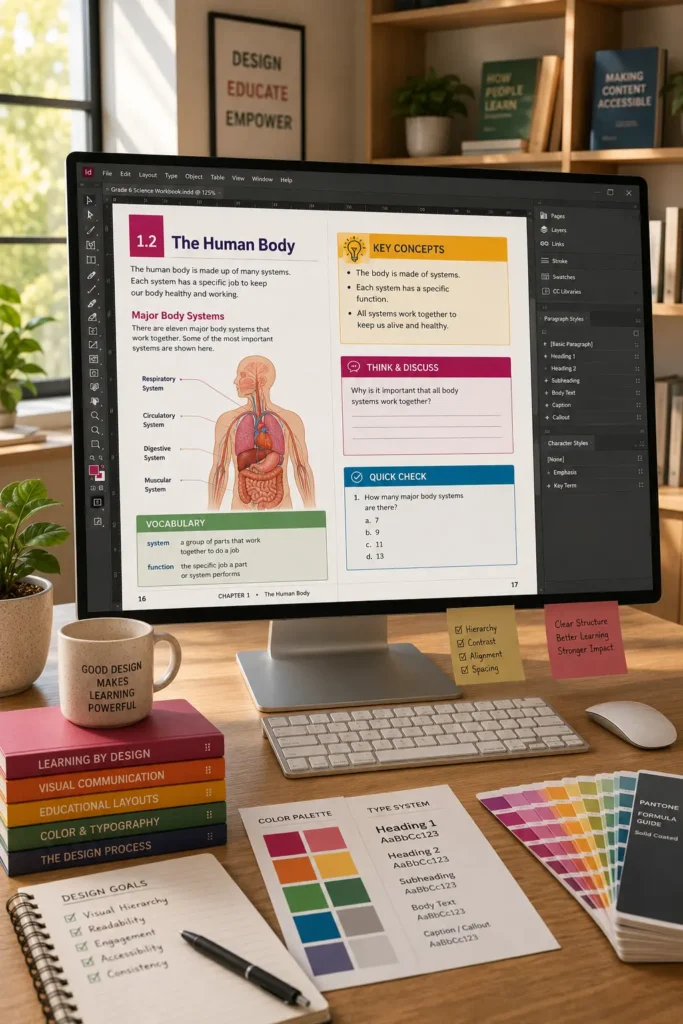
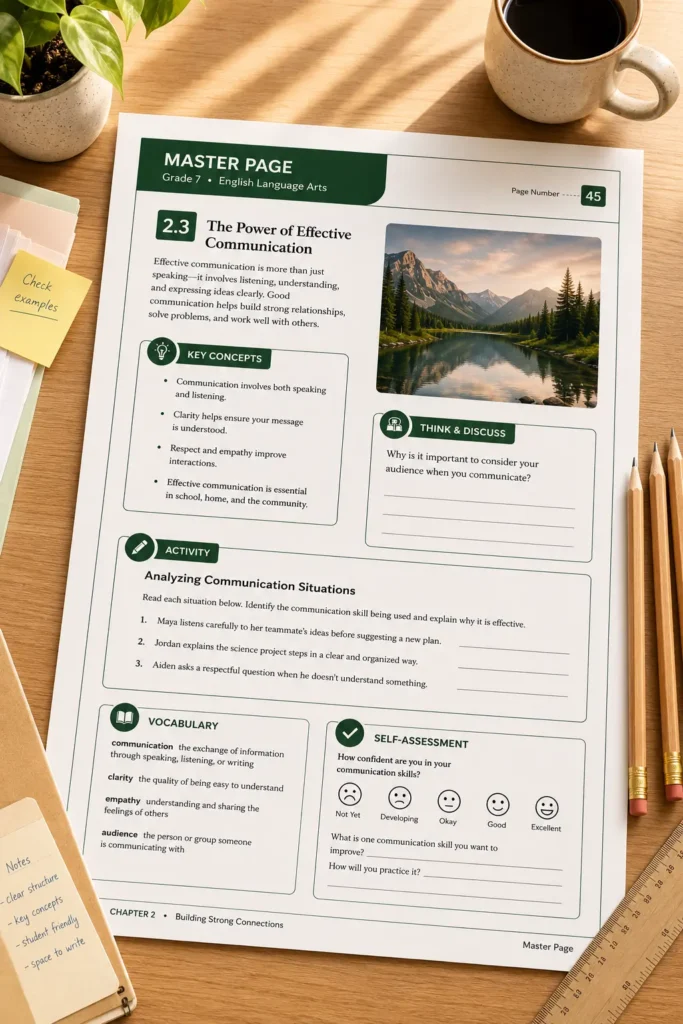
Using InDesign, publishers can create consistent visual hierarchies through:

  • Heading systems
  • Subheadings
  • Learning objectives
  • Activity callouts
  • Key concept boxes
  • Assessment sections

These visual cues help students navigate content more efficiently and support a more organized learning journey.

Instead of presenting information as a continuous block of text, content is divided into meaningful learning segments.

Making Learning Activities More Engaging

Workbooks, assessments, and interactive learning materials rely heavily on page design.

Students must be able to quickly identify:

  • Instructions
  • Practice exercises
  • Reflection activities
  • Assessment tasks
  • Visual examples

InDesign allows publishers to create standardized activity structures that remain consistent throughout a curriculum.

This helps learners spend less time understanding page layouts and more time engaging with educational content.

Using Visual Elements to Improve Understanding

Educational content frequently includes diagrams, charts, illustrations, and infographics.

These elements are not simply decorative. They often play a critical role in explaining concepts.

Publishers use visual learning components to:

Traditional Text-Heavy Approach

Visual Learning Approach

Long explanations

Diagrams and illustrations

Dense information blocks

Structured visual summaries

Limited visual guidance

Graphic learning aids

Higher reading effort

Improved content accessibility

Reduced engagement

Enhanced learner interaction

When integrated effectively, visual elements can support understanding and improve information retention.

Maintaining Design Consistency Across Curriculum Programs

A visually engaging curriculum must also remain consistent.

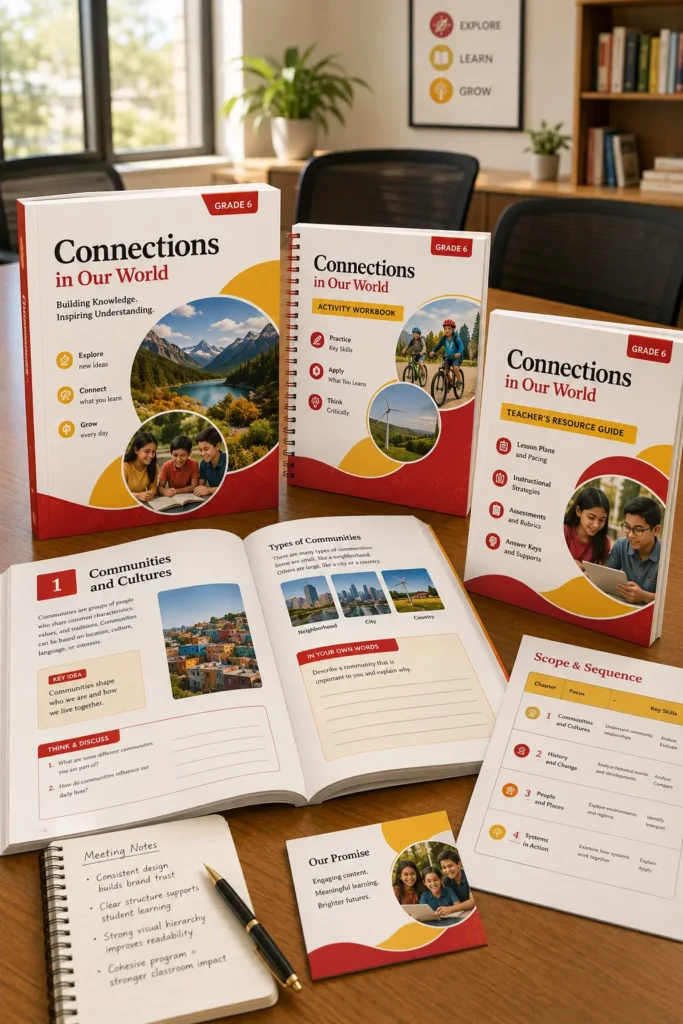
Large educational programs often include:

  • Student textbooks
  • Workbooks
  • Teacher guides
  • Assessment resources
  • Supplementary learning materials

Students and teachers may become confused if every resource uses a different design methodology.

InDesign helps publishers establish design systems that standardize:

  • Typography
  • Color usage
  • Content modules
  • Activity layouts
  • Assessment structures
  • Graphic treatments

This supports learning resource standardization across entire curriculum ecosystems.

A Practical Publishing Scenario

Consider a publisher developing a middle-school science curriculum consisting of textbooks, activity books, assessments, and teacher resources.

Early prototypes contain accurate content but appear text-heavy and difficult for students to navigate.

The publishing team redesigns the curriculum using structured page templates, visual learning modules, concept callouts, diagrams, and standardized activity layouts. As a result, the learning materials become more approachable while maintaining educational rigor and curriculum alignment.

Designing Learning Experiences That Capture Attention

Educational publishing is no longer focused solely on delivering information. It also involves creating learning experiences that help students engage with content effectively. By combining structured layouts, visual organization, and consistent design systems, publishers can develop educational resources that are both informative and visually engaging. Adobe InDesign provides the framework needed to support this balance, helping organizations produce learning materials that are easier to use, easier to understand, and more effective for learners.

FAQ

Visual design helps learners navigate information more efficiently and supports comprehension, engagement, and content retention.

It provides tools for organizing content, managing layouts, integrating graphics, and maintaining consistency across educational resources.

Publishers often use diagrams, charts, illustrations, infographics, callout boxes, and structured activity layouts.

By using structured templates, visual hierarchies, appropriate spacing, and balanced content organization.

Consistent design helps learners recognize patterns, navigate content more easily, and maintain focus on learning objectives rather than page structure.
