Best Practices for Developing Interactive Learning Content Using Adobe InDesign

Why Interactive Learning Content Is Transforming Education

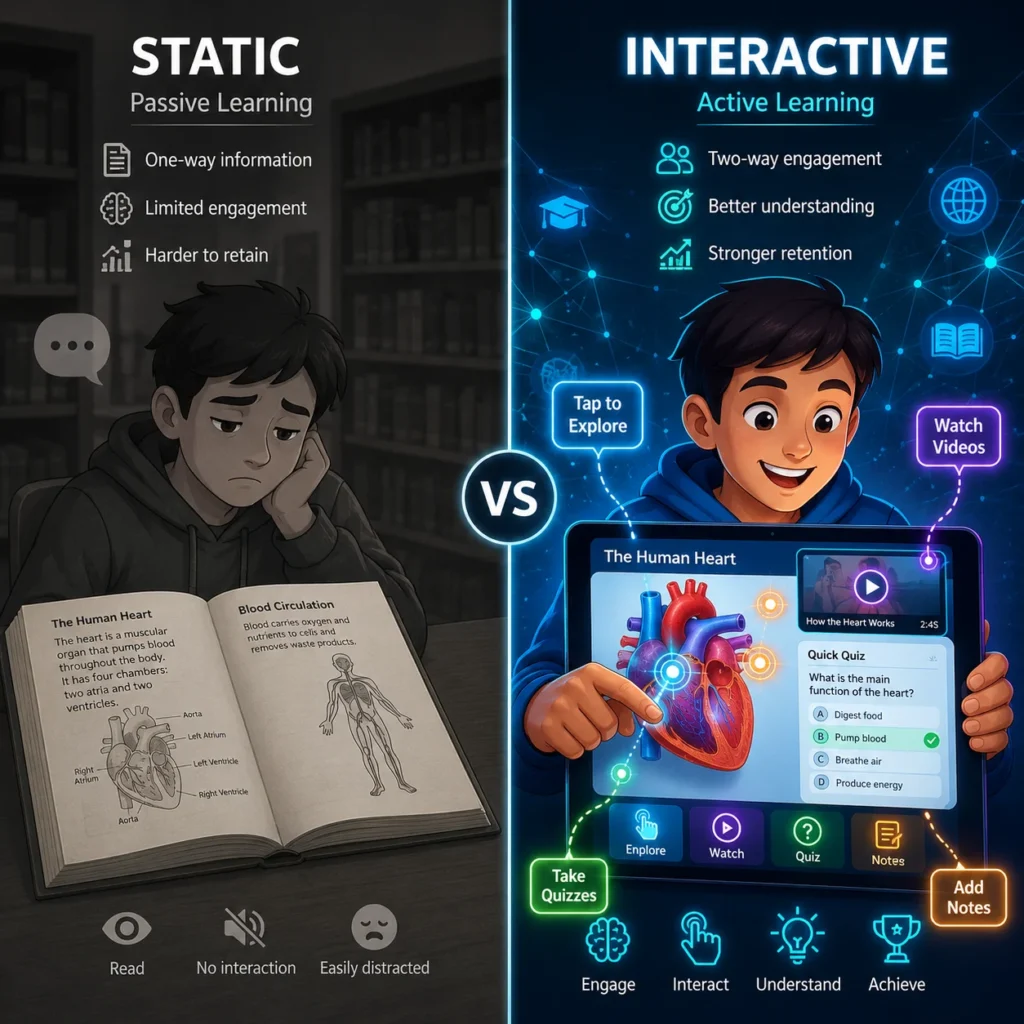
Modern learners expect educational materials that go beyond static text and images. Schools, universities, corporate training providers, and educational publishers are increasingly adopting interactive learning content to improve engagement, knowledge retention, and learner participation.

Interactive educational resources can include quizzes, clickable navigation, multimedia elements, animations, assessments, interactive diagrams, and embedded learning activities. As organizations invest in digital learning experiences, Adobe InDesign has become a widely used platform for developing structured and interactive educational content.

However, creating effective interactive learning materials requires more than simply adding digital features. Following established best practices helps ensure both educational effectiveness and technical consistency.

Start with Clear Learning Objectives

Before designing any interactive elements, define what learners should achieve.

Consider:

  • Knowledge outcomes
  • Skill development goals
  • Assessment requirements
  • Learner engagement objectives
  • Content progression pathways

Interactive elements should support learning outcomes rather than distract from them.

Create a Consistent Content Structure

Interactive learning materials should maintain a clear and predictable structure.

Best practices include:

  • Organized chapter layouts
  • Consistent navigation patterns
  • Standardized heading hierarchies
  • Clearly defined learning sections
  • Uniform page templates

A structured design helps learners focus on content rather than navigation.

Use Interactive Elements Purposefully

Interactive features should enhance understanding.

Effective examples include:

Knowledge Checks

Short quizzes help reinforce learning and measure comprehension.

Clickable Learning Paths

Interactive navigation allows learners to move efficiently through content.

Interactive Diagrams

Visual learning becomes more engaging when learners can explore concepts directly.

Scenario-Based Activities

Practical simulations encourage active participation and decision-making.

The goal is meaningful engagement, not unnecessary complexity.

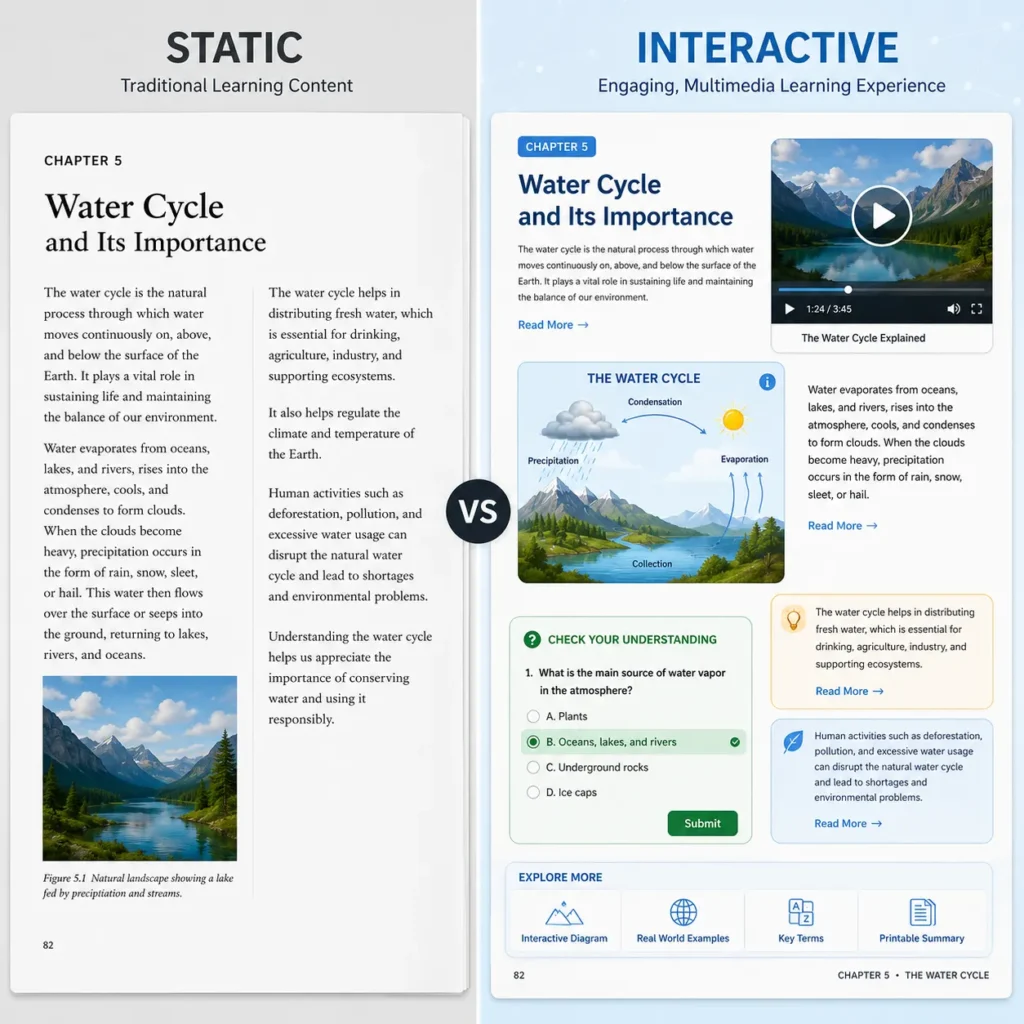
Compare Interactive Learning Content vs Static Educational Content

Feature

Static Learning Content

Interactive Learning Content

Learner Engagement

Passive

Active

Knowledge Reinforcement

Limited

Enhanced

Navigation Flexibility

Basic

Interactive

Assessment Integration

Separate

Embedded

Learner Participation

Lower

Higher

Feedback Opportunities

Limited

Immediate

Digital Learning Experience

Standard

Enhanced

When educators compare these approaches, interactive content often provides a more engaging learning experience.

Maintain Visual Consistency Across Projects

Adobe InDesign provides powerful tools for maintaining design standards.

Recommended practices include:

  • Use paragraph styles
  • Create reusable templates
  • Apply master pages
  • Standardize color schemes
  • Maintain typography consistency
  • Use grid-based layouts

Consistency improves both usability and professional presentation.

Design for Multiple Devices

Modern learners access content through:

  • Laptops
  • Tablets
  • Smartphones
  • Interactive displays
  • E-learning platforms

When developing interactive content, ensure layouts remain functional across various screen sizes and devices.

Responsive design considerations improve accessibility and learner satisfaction.

Optimize Multimedia Integration

Multimedia elements can significantly enhance learning when used appropriately.

Consider incorporating:

  • Educational videos
  • Audio explanations
  • Interactive graphics
  • Animations
  • Infographics
  • Assessment modules

However, multimedia should support learning objectives rather than overwhelm learners.

Focus on Accessibility

Inclusive learning experiences are increasingly important.

Best practices include:

  • Clear navigation structures
  • Readable typography
  • Appropriate color contrast
  • Alternative text for images
  • Accessible interactive controls
  • Logical content organization

Accessibility improvements benefit all learners.

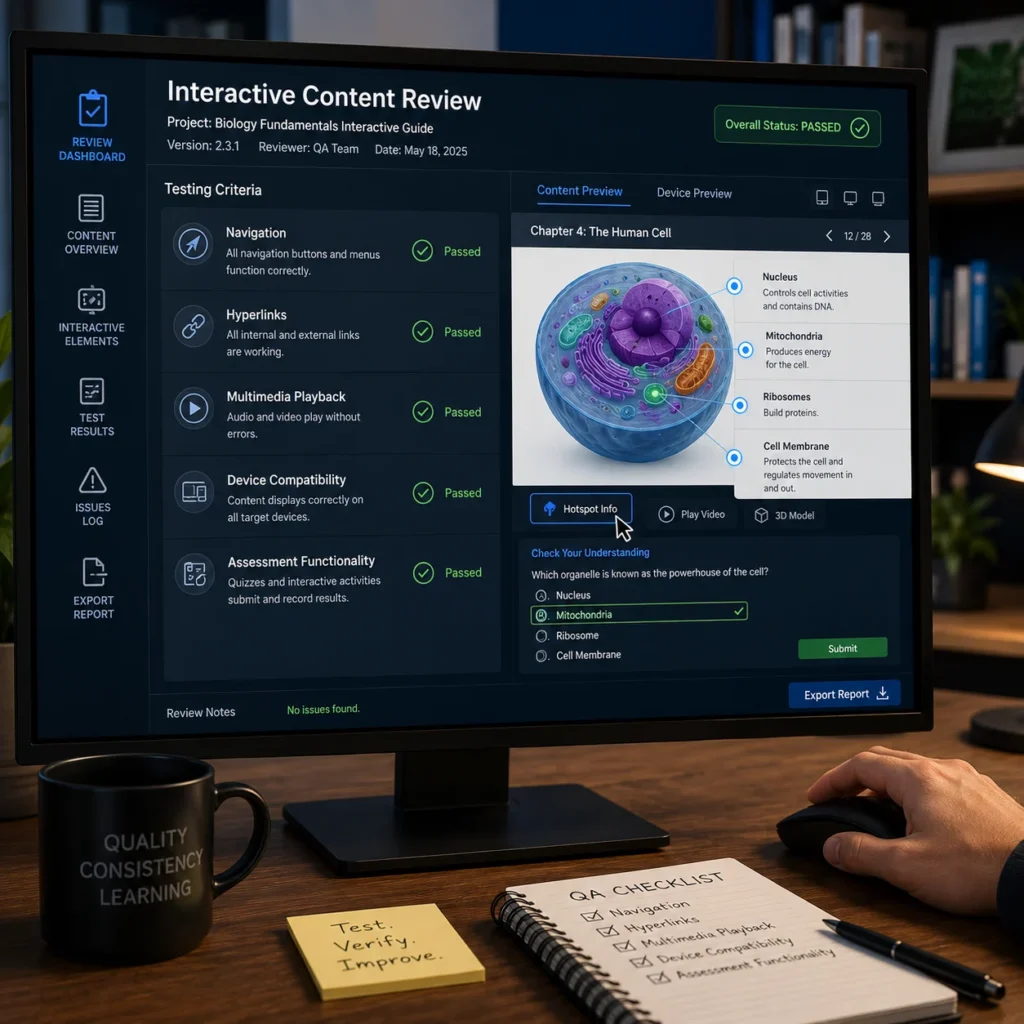
Test Interactive Content Before Publishing

Quality assurance is essential.

Review:

  • Navigation functionality
  • Interactive elements
  • Hyperlinks
  • Multimedia playback
  • Device compatibility
  • Assessment functionality
  • Content accuracy

Comprehensive testing helps avoid learner frustration after publication.

How Adobe InDesign Supports Interactive Learning Development

Adobe InDesign helps educational publishers and instructional designers:

  • Create structured learning experiences
  • Design interactive educational resources
  • Manage large content projects
  • Maintain consistent layouts
  • Publish across multiple formats
  • Integrate multimedia assets
  • Support digital learning workflows

These capabilities make InDesign a valuable tool for modern educational content creation.

Creating Engaging Learning Experiences with InDesign

Interactive learning content is most effective when it combines educational value, clear structure, engaging design, and intuitive navigation. Organizations that follow best practices for interactive content development can create learning experiences that improve engagement, strengthen knowledge retention, and support modern digital education strategies. By leveraging Adobe InDesign’s powerful publishing capabilities, educational publishers and instructional designers can develop professional, scalable, and learner-focused content for today’s evolving educational environment.

Frequently Asked Questions

InDesign provides advanced layout control, multimedia integration, interactive publishing features, and multi-format export capabilities.

Quizzes, navigation buttons, hyperlinks, interactive PDFs, multimedia content, forms, and digital learning activities can all be incorporated.

Templates improve consistency, simplify updates, reduce production time, and enhance learner experiences.

Very important. Many learners access educational materials through tablets and smartphones, making device compatibility essential.

Adding interactive features without a clear educational purpose. Every element should support learner engagement and learning outcomes.
