
The Growing Demand for Structured Digital Learning Content

Educational institutions, publishers, training organizations, and e-learning providers are increasingly shifting toward digital learning environments. Modern learners expect educational content that is visually engaging, easy to navigate, mobile-friendly, and accessible across multiple devices.

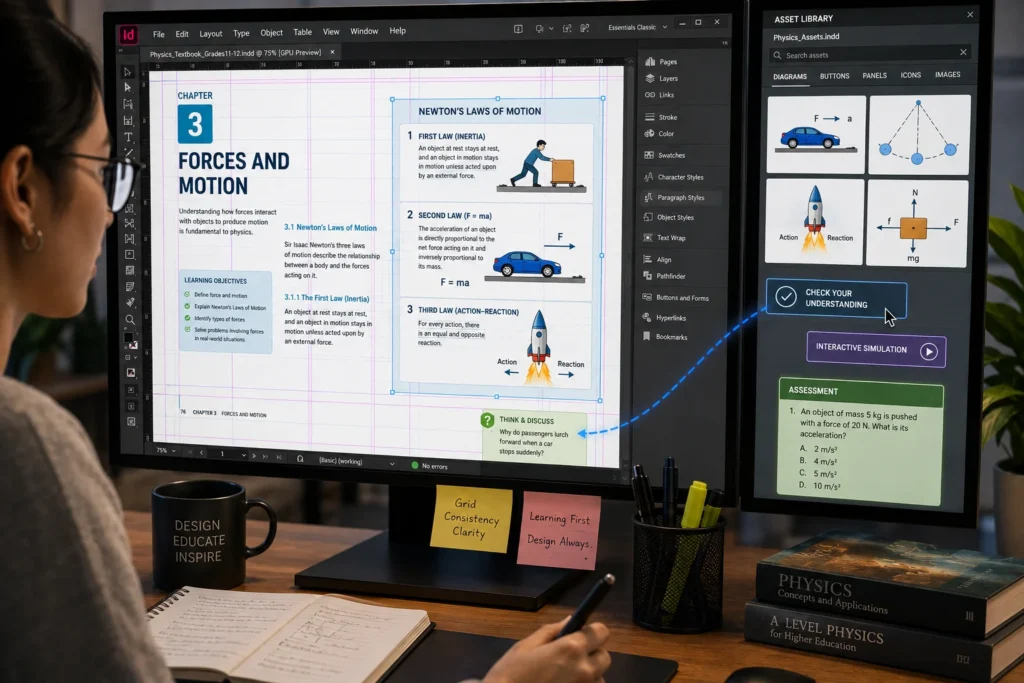
Whether developing school textbooks, interactive workbooks, teacher guides, training manuals, or digital course materials, content creators must balance educational quality with professional presentation. As digital learning becomes more widespread, organizations need tools that support structured content development and efficient publishing workflows.

This is one reason many educational publishers and instructional designers use Adobe InDesign to create modern learning materials.

Challenges in Digital Learning Content Development

Creating effective digital learning resources involves more than simply converting text into a PDF.

Content development teams often face challenges such as:

  • Maintaining consistent layouts across large projects
  • Organizing complex educational content
  • Managing images, diagrams, and multimedia elements
  • Supporting multiple screen sizes and devices
  • Updating curriculum content efficiently
  • Ensuring visual consistency across chapters
  • Creating engaging learner experiences
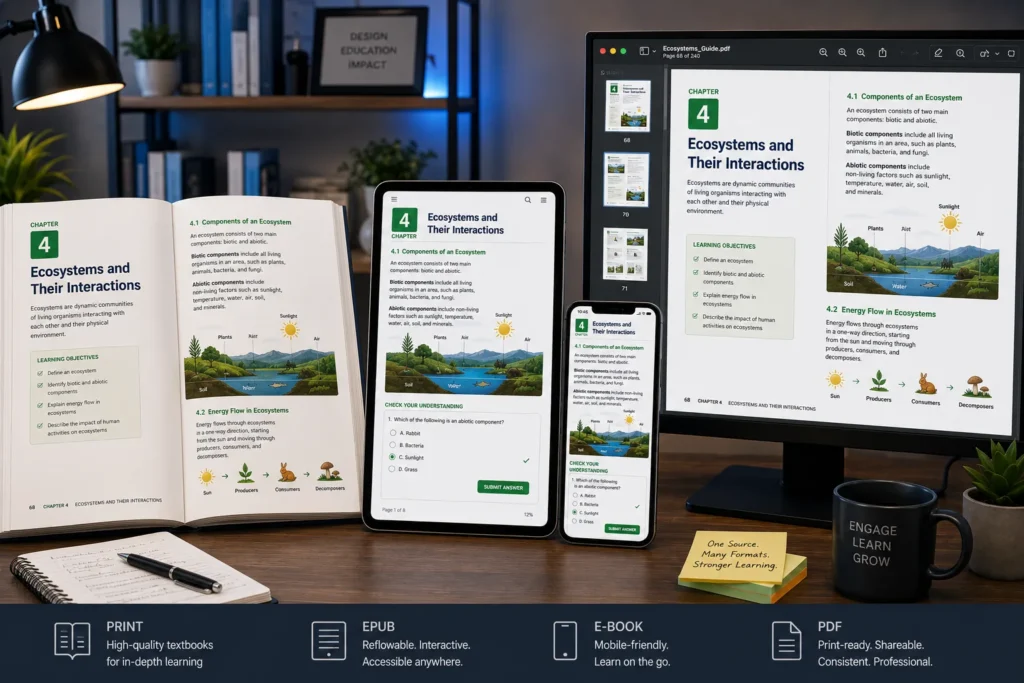
  • Publishing content in multiple formats

Without a structured publishing workflow, educational projects can become difficult to manage and maintain.

Why Structured Learning Materials Matter

Well-structured educational content helps learners:

  • Navigate information more easily
  • Understand concepts faster
  • Retain knowledge more effectively
  • Follow logical learning pathways
  • Engage with content consistently

Educational publishers therefore focus heavily on layout design, content hierarchy, visual organization, and accessibility when developing learning materials.

Compare InDesign with Traditional Document Creation Tools

Feature

Standard Document Tools

Adobe InDesign

Layout Control

Basic

Advanced

Multi-Page Management

Limited

Extensive

Visual Design Flexibility

Moderate

Professional

Template Management

Basic

Advanced

Interactive Learning Support

Limited

Strong

Publishing Quality

Standard

Professional

Multi-Format Output

Limited

Comprehensive

Educational Content Design

Basic

Specialized

When educators compare these options, InDesign often provides greater control over structured learning experiences.

Applications in Modern Education

School Textbooks

Create visually organized curriculum-based learning materials.

Digital Workbooks

Develop interactive educational resources with clear learning pathways.

Teacher Resource Guides

Produce structured instructional materials and lesson support documents.

Corporate Training Programs

Design professional learning content for workforce development.

Higher Education Publishing

Provide complex layouts and content organization to support scholarly publishing.

How Educational Publishers Benefit

Organizations using InDesign for digital learning content often achieve:

  • Improved content consistency
  • Faster publishing workflows
  • Better learner engagement
  • Simplified curriculum updates
  • Professional presentation standards
  • Enhanced visual learning experiences

These advantages support both educational effectiveness and operational efficiency.

Building Better Digital Learning Experiences

As education continues to evolve, structured and engaging digital learning materials are becoming increasingly important. Organizations that create educational content need publishing tools capable of supporting consistency, scalability, and multi-format delivery. By enabling professional layouts, organized content structures, interactive learning elements, and efficient publishing workflows, InDesign helps educational publishers and instructional designers create high-quality learning experiences that meet the needs of modern education.

Frequently Asked Questions

InDesign provides professional layout, design, and publishing capabilities that help create structured and visually engaging learning materials. 

Yes. InDesign supports digital PDFs, interactive documents, e-books, and other modern educational publishing formats. 

Features such as templates, styles, grids, master pages, and layout controls help organize educational content consistently. 

Yes. Many publishers use InDesign to manage textbooks, workbooks, teacher guides, and multi-volume educational publications. 

Organizations compare these solutions because educational publishing often requires greater layout control, consistency, scalability, and professional design capabilities than standard document editors provide.
