Why Global Publishers Need InDesign Files Compatible with Trados, MemoQ, and Smartcat

Publishing for multiple international markets involves far more than translating text. Every language edition must maintain consistent layouts, accurate formatting, and efficient update cycles. When Adobe InDesign files are not prepared for translation, publishers often face repeated formatting corrections, longer production schedules, and increased localization costs. Creating InDesign files that are compatible with translation management systems such as Trados, MemoQ, and Smartcat helps streamline multilingual publishing while preserving document quality across left-to-right (LTR) language editions.

The Publishing Challenge Behind Multilingual Projects

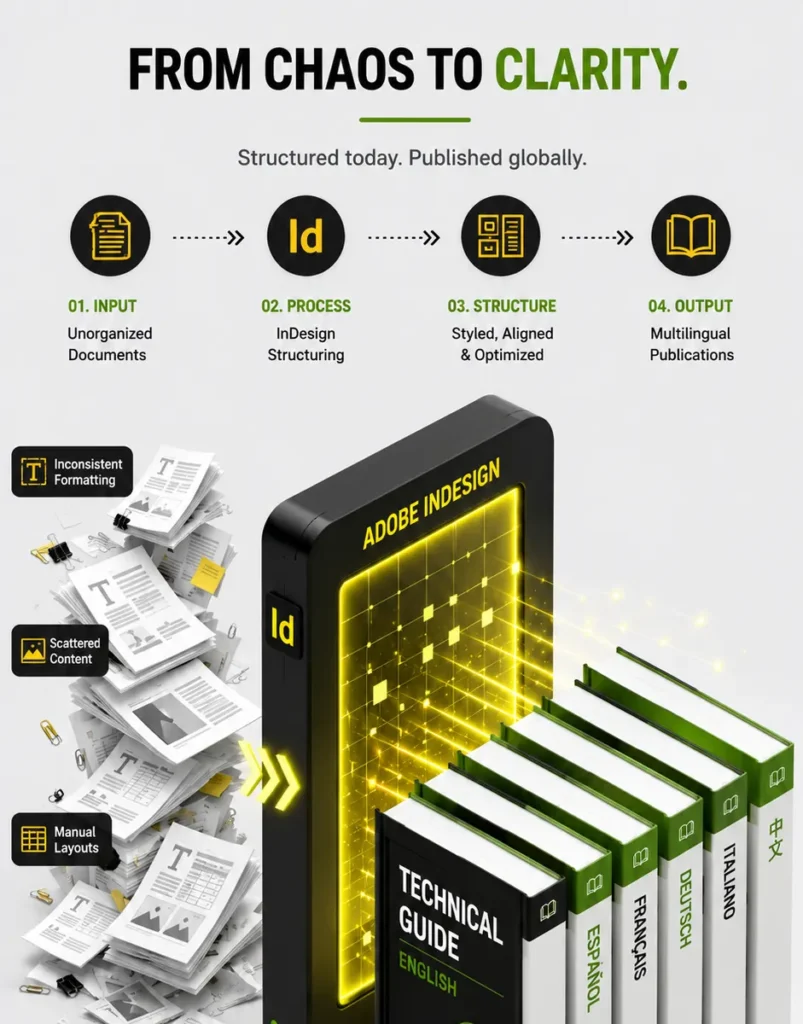
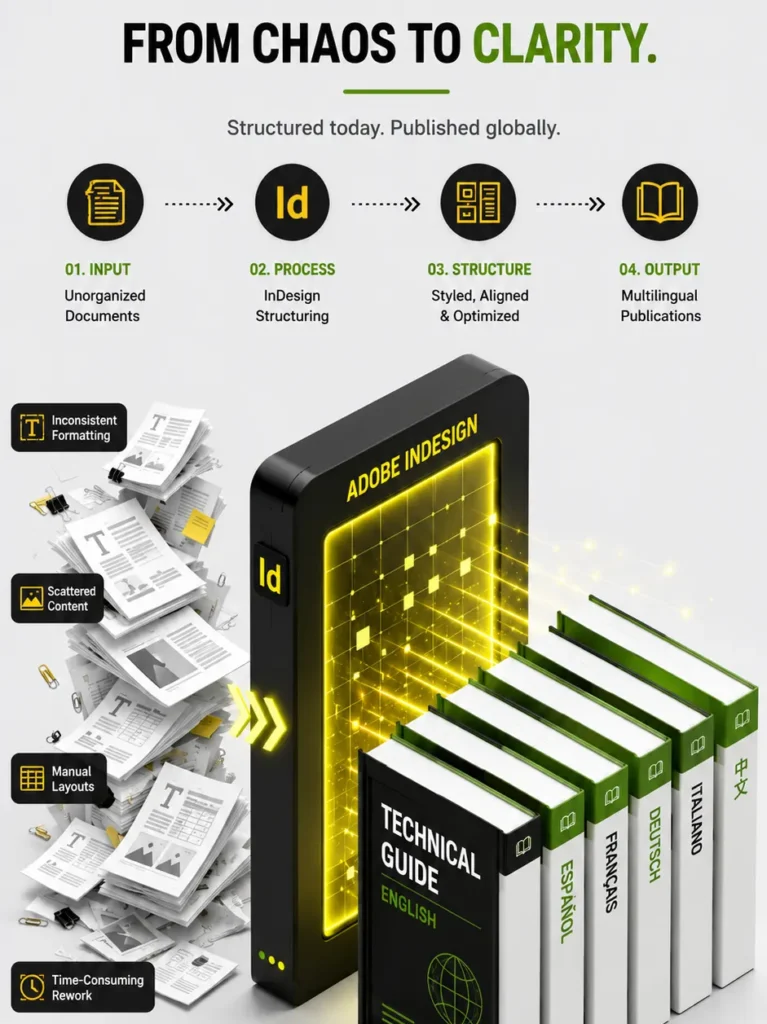
Global publishers regularly produce books, educational materials, product catalogs, annual reports, technical manuals, and marketing collateral in several languages. While translation software can efficiently process text, poorly structured InDesign documents often create unnecessary production work.

Common issues include:

  • Manual text formatting
  • Inconsistent paragraph and character styles
  • Text embedded inside graphics
  • Overset text after translation
  • Unstructured tables
  • Missing linked assets
  • Excessive manual desktop publishing

These challenges increase production time and require extensive corrections before publication.

Why InDesign Compatibility Matters

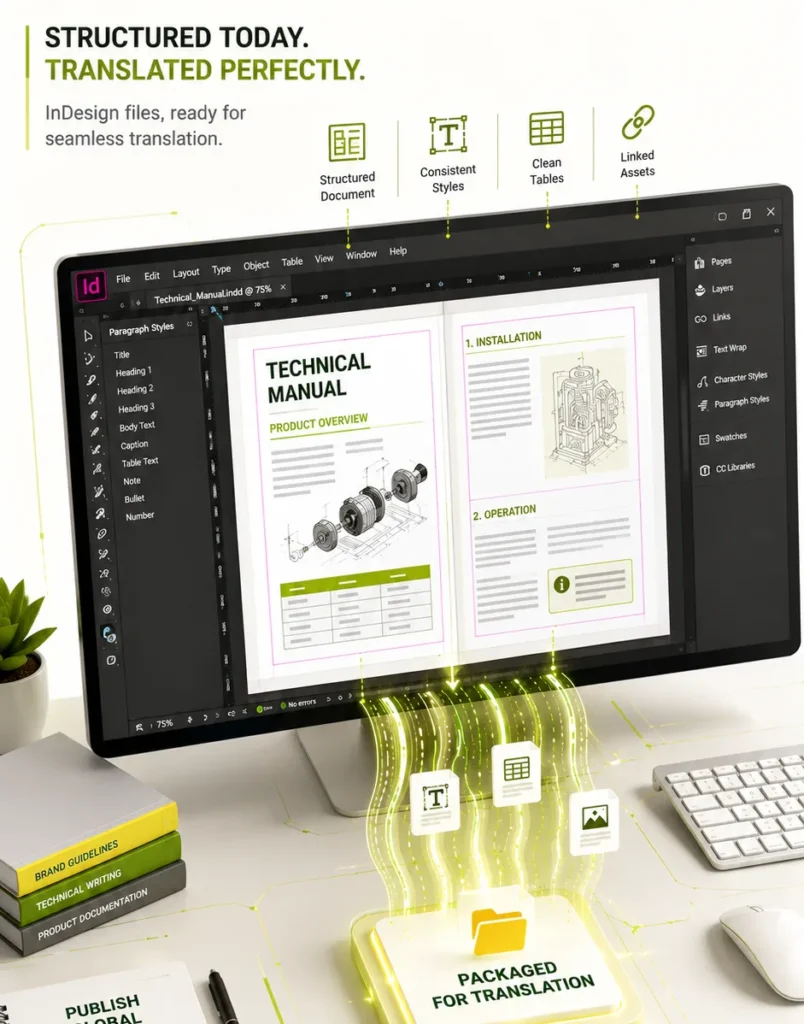
Adobe InDesign is widely used for professional page layout, but its efficiency depends on how documents are created. Translation platforms work more effectively when InDesign files use structured formatting and organized document architecture.

Translation-compatible InDesign files help preserve:

  • Paragraph hierarchy
  • Character styles
  • Tables
  • Cross-references
  • Master page layouts
  • Linked graphics
  • Document structure

This reduces manual intervention after translation and improves publishing consistency.

Characteristics of Translation-Ready InDesign Files

Publishers can improve localization efficiency by following structured document design practices.

Use Style-Based Formatting

Paragraph and character styles create consistent document structures that remain easier to manage throughout translation and publishing.

Keep Text Editable

Avoid converting text into outlines or embedding important information inside images. Editable content improves translation accuracy and simplifies future revisions.

Organize Linked Assets

Images, graphics, and illustrations should remain properly linked and stored using an organized folder structure to prevent missing assets during production.

Build Structured Tables

Use native InDesign tables instead of manually aligned text. Structured tables preserve formatting more effectively across translated editions.

Maintain Consistent Templates

Templates help ensure every publication follows the same layout standards, reducing formatting effort across multiple projects.

Traditional InDesign Workflow vs Translation-Compatible Workflow

Traditional Workflow

Translation-Compatible Workflow

Manual formatting

Style-based formatting

Embedded text in graphics

Editable text elements

Inconsistent templates

Standardized layouts

Extensive post-translation corrections

Minimal formatting adjustments

Repeated manual edits

Reusable publishing assets

Longer production cycles

Faster multilingual publishing

A structured approach supports more predictable publishing schedules and improved document quality.

Benefits for Global Publishers

Preparing InDesign files for compatibility with translation platforms offers advantages throughout the publishing lifecycle.

Faster Localization

Structured files move through translation and desktop publishing with fewer interruptions, reducing production delays.

Improved Formatting Consistency

Standardized document styles help maintain uniform layouts across all LTR language editions.

Reduced Publishing Costs

Less manual formatting means fewer production hours, fewer review cycles, and reduced rework.

Easier Content Updates

When source documents change, structured files allow publishers to update only revised content instead of rebuilding entire layouts.

Better Collaboration

Editors, designers, translators, desktop publishing specialists, and reviewers can work from the same organized document structure, improving project coordination.

Best Practices for Translation-Compatible InDesign Files

Publishers can strengthen multilingual production by adopting several practical workflows.

  • Apply paragraph and character styles consistently.
  • Use master pages for repeated layouts.
  • Keep text separate from artwork.
  • Organize linked graphics and fonts.
  • Build structured tables instead of manual formatting.
  • Verify hyperlinks, references, and page numbering.
  • Package InDesign projects with all required assets before localization.
  • Review documents for overset text before translation begins.

These practices reduce production issues and improve long-term document maintenance.

Practical Publishing Scenario

An educational publisher produces textbooks, instructor guides, and digital learning materials for several international markets. Previously, each translated edition required extensive manual layout corrections because source files used inconsistent styles and embedded text.

After implementing translation-compatible InDesign workflows, the publisher standardized templates, organized linked assets, and adopted structured formatting practices. Localization projects moved more efficiently through translation and desktop publishing, reducing production time while maintaining consistent layouts across every LTR language edition.

Frequently Asked Questions

Translation-ready InDesign files reduce formatting issues, improve localization efficiency, and simplify multilingual publishing.

Consistent paragraph and character styles preserve document hierarchy and reduce manual layout corrections after translation.

Publishers gain faster production, lower publishing costs, improved consistency, easier document maintenance, and better collaboration across localization teams.

Books, educational content, technical documentation, product catalogs, annual reports, brochures, corporate publications, and marketing materials all benefit from structured InDesign workflows.

Publishers should use editable text, standardized templates, structured tables, organized linked assets, consistent styles, and packaged project files while avoiding manual formatting and embedded text within graphics.