Accessible Educational Content Meeting Global Accessibility Standards

A student may have the knowledge and motivation to learn but still face barriers because educational content is not accessible. Small font sizes, missing image descriptions, poor navigation structures, and incompatible digital formats can prevent learners from fully engaging with educational materials.

As digital learning expands across schools, universities, corporate training programs, and online learning platforms, accessibility has become an essential part of educational publishing. Publishers are increasingly expected to create content that can be accessed and understood by learners with diverse abilities, devices, and learning environments.

Accessible educational content is not simply a compliance requirement. It helps organizations create inclusive learning experiences that support broader participation and better learning outcomes.

Understanding Global Accessibility Expectations

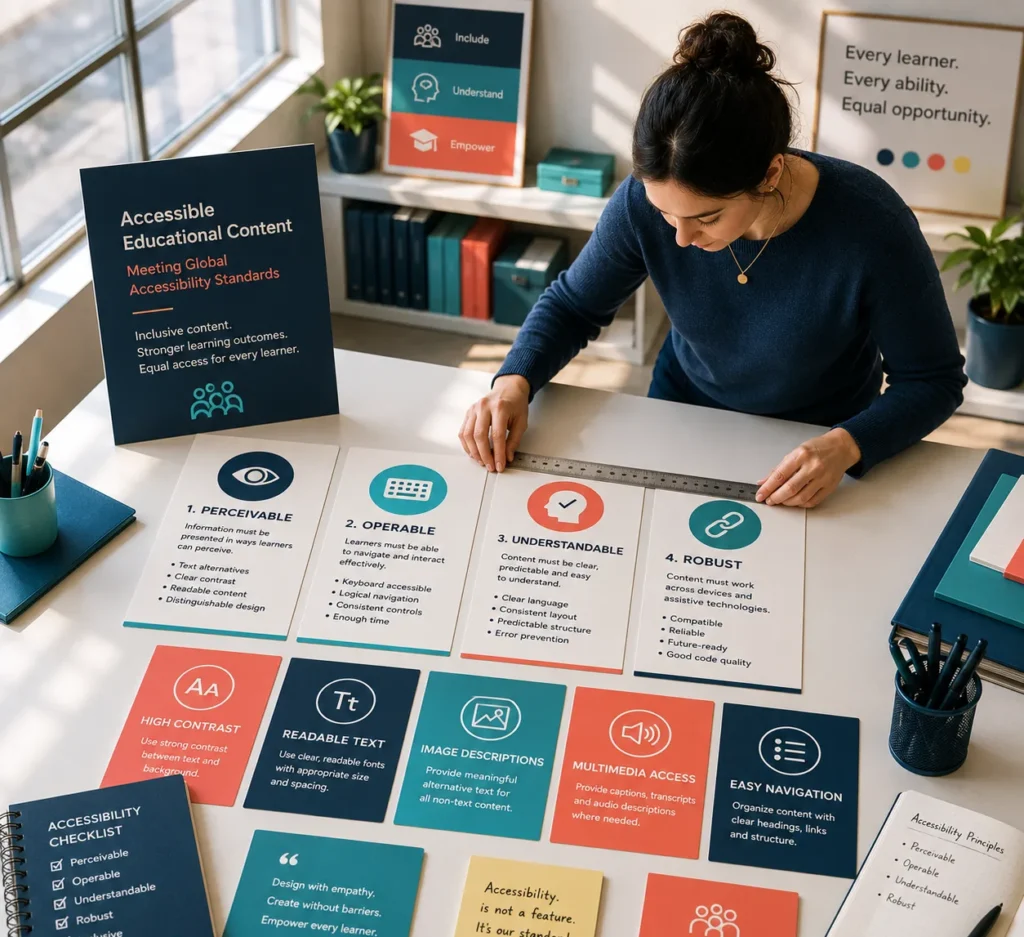
Many educational institutions and publishers align their content development practices with internationally recognized accessibility principles.

Usually, these guidelines concentrate on making sure that content is:

Perceivable

Information should be provided in a style that students can identify and comprehend.

Examples include:

  • Alternative text for images
  • Clear visual contrast
  • Readable typography
  • Descriptive labels

Operable

Learners should be able to navigate content using different methods.

This may include:

  • Keyboard navigation
  • Logical content structure
  • Consistent menus
  • Accessible controls

Understandable

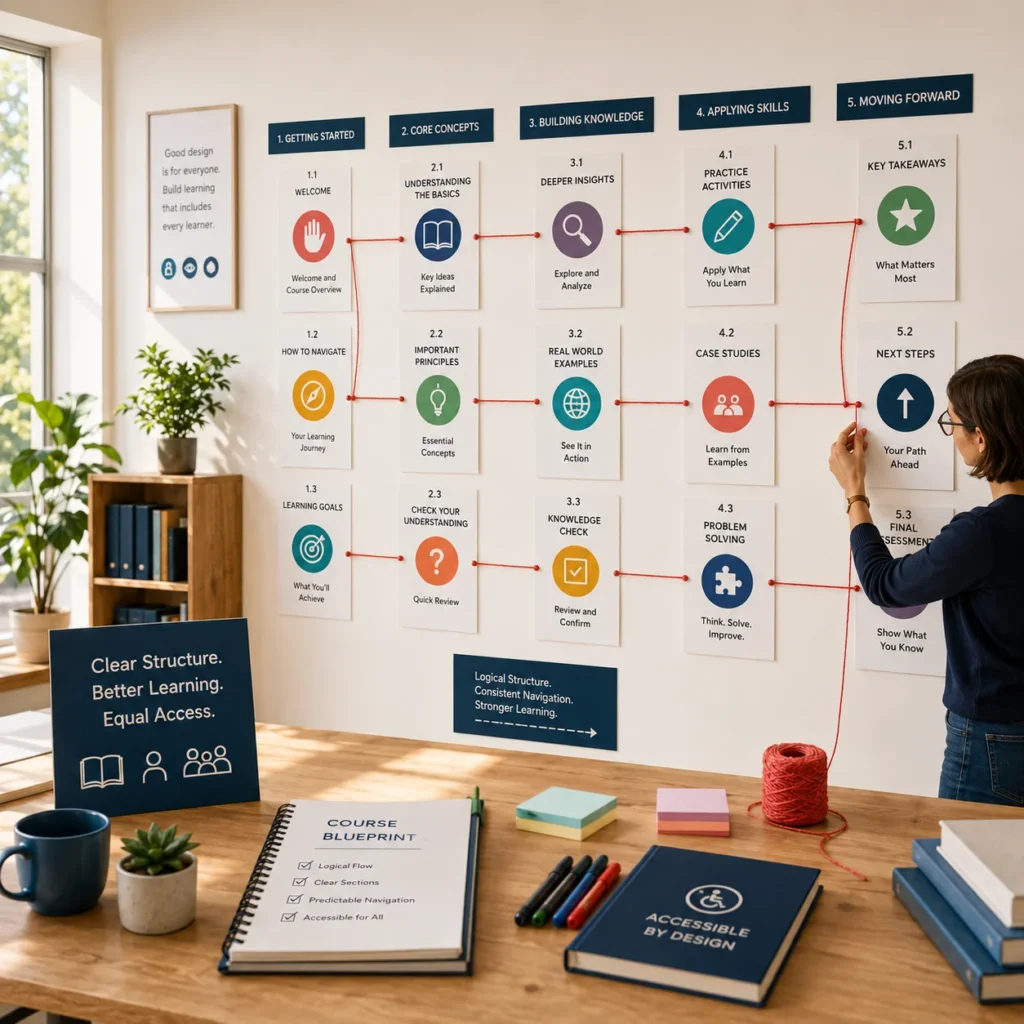
Content should be organized clearly and predictably.

Publishers can support this by using:

  • Consistent layouts
  • Clear instructions
  • Logical headings
  • Simple navigation pathways

Robust

Content should function across different devices, browsers, and assistive technologies.

Why Accessibility Matters In Educational Publishing

Educational content is now delivered through multiple channels, including:

  • eBooks
  • Learning management systems (LMS)
  • Digital courseware
  • Online assessments
  • Interactive learning modules
  • Mobile learning applications

Without accessibility considerations, some learners may encounter unnecessary obstacles when accessing these resources.

Accessible content helps improve:

  • Learner inclusion
  • Content usability
  • Learning engagement
  • Educational equity
  • Content discoverability
  • Regulatory compliance

The goal is to ensure that educational materials can be used effectively by the widest possible audience.

Common Accessibility Challenges In Educational Content

Many accessibility issues originate during content creation rather than during final publication.

Common challenges include:

Missing Alternative Text

Meaningful descriptions are frequently absent from pictures, diagrams, and illustrations.

Without alternative text, some learners may miss important information.

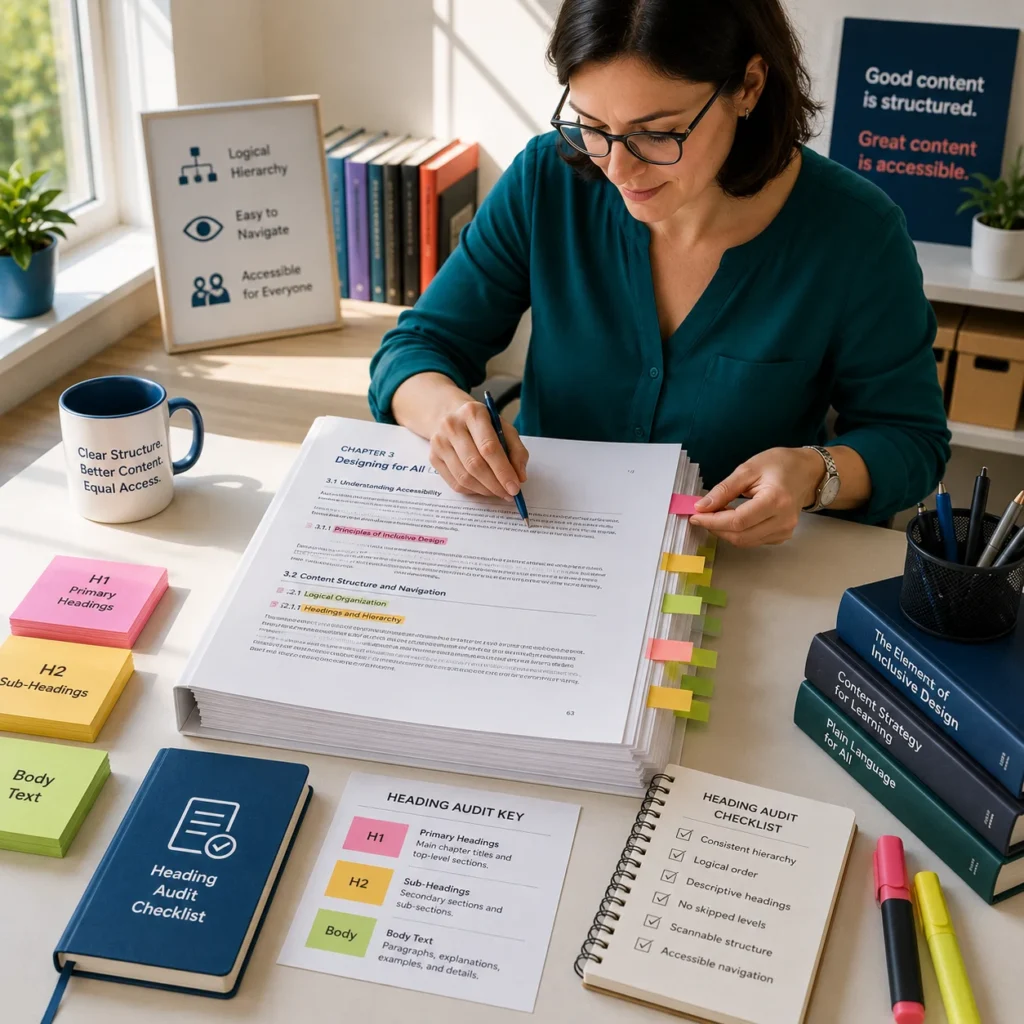
Poor Heading Structure

Improper heading hierarchies can make navigation difficult for assistive technologies.

A clear content structure improves both accessibility and usability.

Inadequate Color Contrast

Text that blends into the background may be difficult for some learners to read.

Accessible color choices help improve readability.

Complex Navigation

Complicated menus and inconsistent navigation can create barriers for learners attempting to locate information.

Comparing Traditional And Accessibility-Focused Content Development

Traditional Development

Accessibility-Focused Development

Accessibility reviewed at the end

Accessibility integrated from the start

Visual design prioritized alone

Design and usability balanced

Limited navigation planning

Structured navigation approach

Device-specific testing

Multi-device accessibility testing

Basic content validation

Comprehensive accessibility review

Building accessibility into workflows early often reduces rework and improves content quality.

Accessibility Best Practices For Educational Publishers

Publishers can strengthen accessibility by adopting structured content development practices.

Recommended approaches include:

  • Using proper heading hierarchies
  • Providing alternative text for images
  • Maintaining readable font sizes
  • Applying sufficient color contrast
  • Creating meaningful link descriptions
  • Supporting keyboard navigation
  • Testing across multiple devices

Accessibility should be considered throughout the publishing lifecycle rather than as a final checklist item.

Accessibility And Digital Learning Formats

Different digital formats offer varying levels of accessibility support.

For example, publishers often evaluate accessibility when developing:

  • EPUB3 publications
  • LMS learning modules
  • Interactive assessments
  • Digital textbooks
  • Mobile learning resources

A well-structured source file can significantly improve accessibility outcomes across multiple delivery formats.

This is why content preparation and accessibility planning are closely connected.

A Practical Publishing Scenario

A publisher is preparing a collection of digital science learning resources for distribution to schools and online learning platforms.

During review, the team discovers that diagrams lack descriptions, navigation structures vary between chapters, and some content sections are difficult to access using keyboard controls.

By implementing accessibility reviews early in the production process, the publisher improves content structure, adds image descriptions, standardizes navigation, and verifies compatibility across devices.

The result is a more inclusive learning experience that supports a broader range of learners.

Creating Learning Experiences That Work For Everyone

Accessible educational content helps publishers reach a wider audience while supporting better learning outcomes. As digital learning environments continue to grow, accessibility is becoming an essential component of content quality rather than an optional enhancement. Businesses can enhance usability, bolster compliance efforts, and produce educational materials that better support students across platforms, devices, and learning environments by including accessibility into their publishing operations

Frequently Asked Questions

Accessible educational content is designed so learners with different abilities and technology needs can effectively access, navigate, and understand learning materials.

Accessibility helps create inclusive learning experiences while improving usability, engagement, and content quality.

Common issues include missing alternative text, poor heading structures, inadequate color contrast, and inconsistent navigation.

Publishers can improve accessibility by using structured content, clear navigation, readable layouts, and comprehensive accessibility reviews.

Accessibility should be incorporated from the beginning of content development rather than added during final production stages.

Most frequent questions and answers