Content Formatting Challenges In Online Learning Platforms

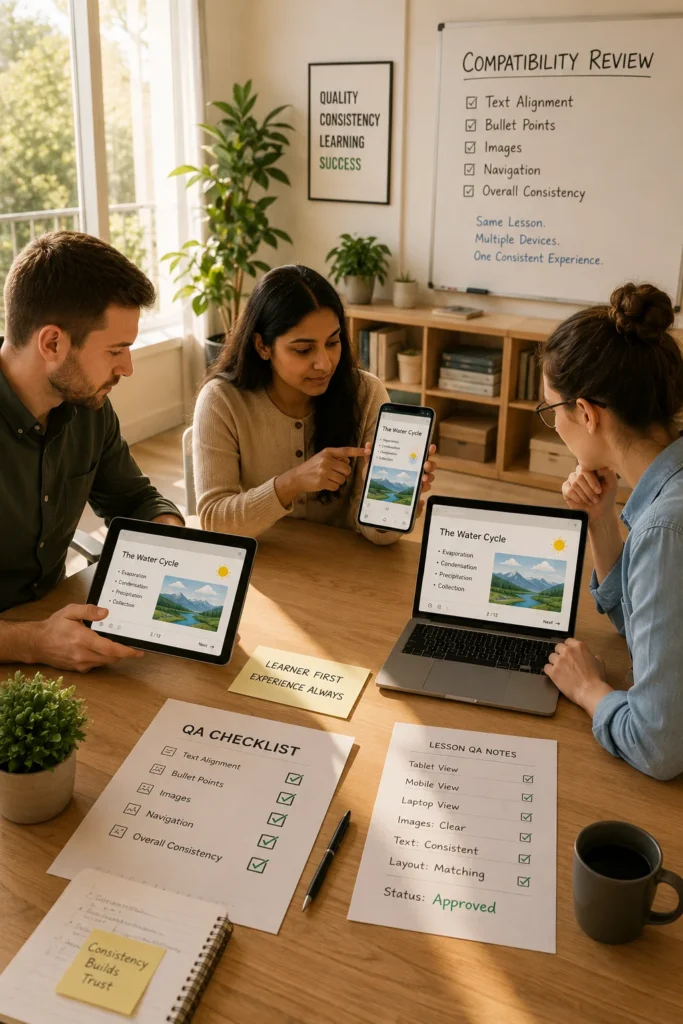
A course may look perfect during development but appear completely different once uploaded to an online learning platform. Headings may shift, images can become misaligned, interactive elements may fail to load properly, and content that works well on a desktop may become difficult to use on a mobile device.

For educational publishers, instructional designers, and eLearning providers, formatting challenges are among the most common obstacles in digital content delivery. While content quality remains important, the learner experience can be affected significantly when formatting inconsistencies make materials difficult to navigate or understand.

Why Formatting Issues Matter In Online Learning

Online learning platforms are designed to deliver content across multiple devices, browsers, and operating systems. This flexibility creates opportunities for learners but also introduces formatting complexity.

Poorly formatted content can lead to:

  • Reduced learner engagement
  • Navigation difficulties
  • Accessibility barriers
  • Inconsistent learning experiences
  • Increased support requests
  • Additional content revision costs

When educational content displays consistently across platforms, learners can focus on learning rather than troubleshooting.

Common Content Formatting Challenges

Several formatting issues frequently affect online learning environments.

Inconsistent Text And Typography

Different LMS platforms may handle fonts, spacing, and text styling differently.

Common issues include:

  • Inconsistent heading sizes
  • Altered line spacing
  • Misaligned bullet lists
  • Unexpected font substitutions

These inconsistencies can affect readability and content structure.

Layout And Structure Problems

Content developed in one environment may not retain its intended layout after platform deployment.

Examples include:

  • Shifted tables
  • Broken columns
  • Misplaced images
  • Incorrect content alignment

Complex layouts often require additional testing before publication.

Multimedia Compatibility Issues

Videos, animations, and interactive elements can present formatting challenges when platform capabilities vary.

Organizations may encounter:

  • Unsupported media formats
  • Incorrect video scaling
  • Interactive content failures
  • Slow-loading multimedia assets

Careful testing helps reduce these issues before learners access the course.

Assessment Formatting Challenges

Assessments play a critical role in online learning, but formatting issues can affect their effectiveness.

Examples include:

  • Misaligned answer options
  • Improper question spacing
  • Inconsistent feedback displays
  • Mobile compatibility problems

Assessment content should be validated across supported devices and browsers.

Comparing Standard Digital Content And LMS-Optimized Content

The requirements for online learning often differ from traditional digital publishing.

Standard Digital Content

LMS-Optimized Content

Fixed layouts

Responsive layouts

Desktop-focused viewing

Multi-device compatibility

Static navigation

Structured learning pathways

Limited accessibility review

Accessibility-focused design

Consistent display environment

Variable display environments

Optimizing content specifically for LMS delivery helps improve learner experiences.

Mobile Learning Creates Additional Formatting Demands

A growing percentage of learners access educational materials using smartphones and tablets.

This creates challenges such as:

  • Smaller screen sizes
  • Touch-based navigation
  • Variable display resolutions
  • Orientation changes

Publishers should verify that content remains readable and functional across different device types.

Responsive design principles help ensure content adapts effectively to changing screen dimensions.

Accessibility And Formatting Requirements

Accessibility considerations are closely connected to content formatting.

Educational organizations increasingly focus on:

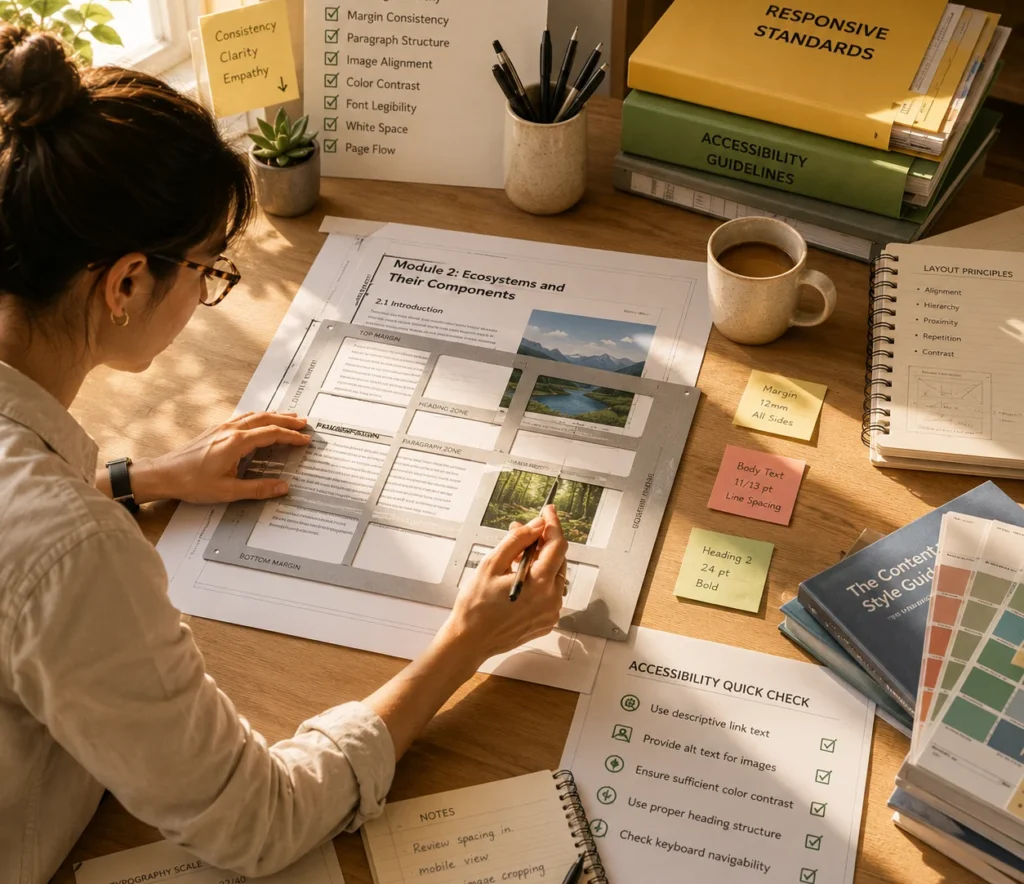
  • Logical heading structures
  • Alternative text for images
  • Keyboard navigation support
  • Appropriate color contrast
  • Screen-reader compatibility

Well-structured content supports both accessibility goals and overall usability.

Accessibility reviews should be integrated into content development workflows rather than treated as a final-stage task.

Best Practices For Educational Publishers

Publishers can reduce formatting issues through consistent production processes.

Recommended practices include:

  • Using standardized content templates
  • Following LMS-specific publishing guidelines
  • Testing content on multiple devices
  • Reviewing accessibility compliance
  • Validating multimedia functionality
  • Conducting quality assurance reviews before deployment

These steps help minimize unexpected formatting problems after publication.

A Practical Publishing Scenario

An educational publisher develops a digital science course intended for multiple learning platforms.

Initial testing reveals that tables display differently across systems, interactive diagrams scale incorrectly on mobile devices, and assessment layouts vary between browsers.

The publisher implements standardized templates, conducts cross-platform testing, and performs accessibility reviews before launch.

As a result, learners experience more consistent navigation, improved readability, and fewer technical disruptions during course delivery.

Creating Consistent Learning Experiences Across Digital Platforms

Formatting is more than a visual concern in online learning. It directly affects usability, accessibility, engagement, and educational effectiveness. By adopting structured content development practices, conducting thorough testing, and prioritizing learner experience, educational publishers can reduce formatting challenges and deliver more consistent learning experiences across a wide range of online platforms.

Frequently Asked Questions

Formatting issues often occur because different LMS platforms, browsers, and devices render content differently.

Using standardized templates, platform-specific guidelines, and comprehensive testing can improve compatibility.

Responsive design helps content adapt to different screen sizes and devices, improving usability for learners.

Heading structures, alternative text, color contrast, and screen-reader compatibility all influence content accessibility.

Publishers should review content across multiple devices, browsers, operating systems, and LMS environments before release.
