Adobe InDesign for Digital Curriculum Development: Key Advantages

Educational organizations are under increasing pressure to deliver curriculum content across multiple learning environments. Schools, universities, training providers, and educational publishers must create materials that work effectively in print, online learning platforms, interactive PDFs, and digital classrooms. Managing these requirements while maintaining consistency and quality can be challenging, particularly for large curriculum projects involving multiple subjects and grade levels.

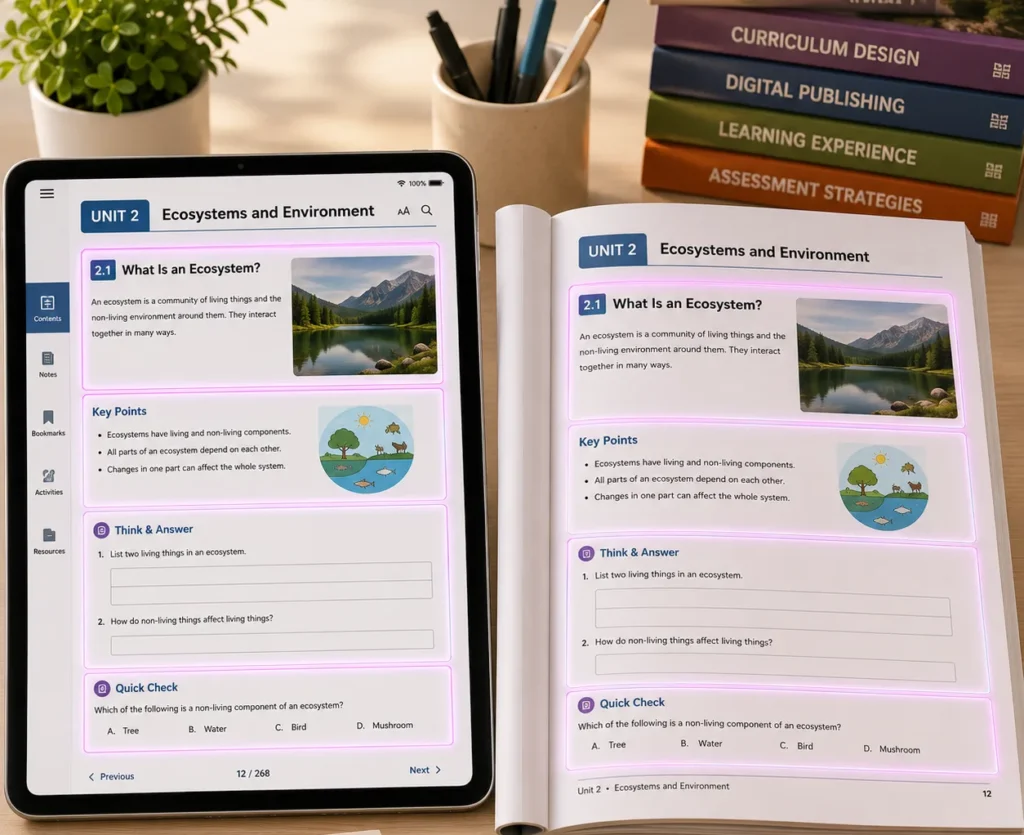
To address these demands, many educational publishers rely on Adobe InDesign as a central platform for digital curriculum development. Its structured design capabilities help teams create organized, scalable, and visually consistent learning materials that support modern educational delivery models.

The Growing Need for Structured Digital Curriculum Development

Digital curriculum development involves more than converting printed materials into electronic formats. Content needs to be created with long-term maintenance, usability, accessibility, and navigation in mind.

Educational materials often include:

  • Lesson content
  • Learning activities
  • Assessments
  • Visual learning aids
  • Teacher resources
  • Interactive elements
  • Reference materials

Without a structured workflow, maintaining consistency across these components becomes difficult as curriculum projects grow.

Consistent Design Across Learning Materials

One of the most valuable advantages of InDesign is its ability to create consistency across large curriculum programs.

Publishers can standardize:

  • Heading structures
  • Typography
  • Page layouts
  • Learning activities
  • Assessment formats
  • Tables and diagrams
  • Visual branding elements

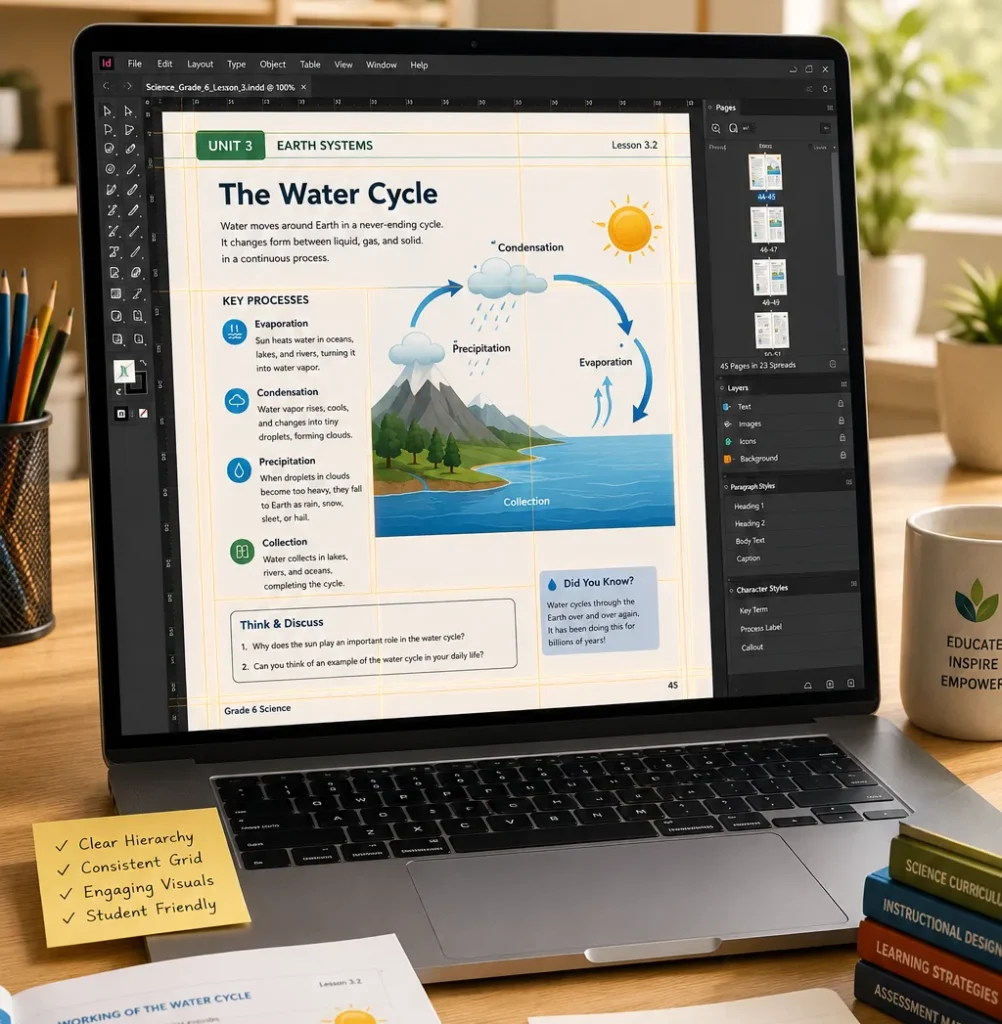
Using styles, templates, and master pages ensures that every component follows the same design standards, regardless of the number of contributors involved.

Why This Matters

Consistent layouts help learners focus on content rather than navigating changing page structures. It also simplifies curriculum updates and future revisions.

Efficient Management of Large Content Projects

Digital curriculum projects often contain hundreds or even thousands of pages.

InDesign helps publishers manage large-scale projects through:

  • Reusable templates
  • Style libraries
  • Automated page numbering
  • Cross-references
  • Linked content elements
  • Organized document structures

These features reduce manual formatting work and improve production efficiency.

Traditional Workflow

InDesign-Based Workflow

Repeated formatting tasks

Template-driven production

Manual page updates

Automated document management

Inconsistent layouts

Standardized design structure

Higher revision effort

Streamlined updates

Increased formatting errors

Improved consistency

Improved Visual Learning Experiences

Visual communication is a major component of modern curriculum design.

InDesign allows publishers to integrate:

  • Infographics
  • Educational illustrations
  • Charts and graphs
  • Process diagrams
  • Learning frameworks
  • Visual summaries

Carefully structured visual content helps learners understand complex concepts more effectively and improves engagement throughout the learning experience.

Support for Multiple Publishing Formats

Educational content is no longer confined to printed textbooks.

Publishers often need to deliver curriculum materials through:

  • Print-ready PDFs
  • Interactive PDFs
  • Digital learning resources
  • Teacher guides
  • Student workbooks
  • Assessment materials

InDesign supports a multi-format publishing workflow, allowing teams to develop content from a centralized source while reducing duplication and production effort.

Better Collaboration Across Development Teams

Curriculum development typically involves multiple stakeholders, including:

  • Subject matter experts
  • Instructional designers
  • Editors
  • Reviewers
  • Graphic designers
  • Production teams

A structured InDesign workflow helps teams work more efficiently by maintaining consistent templates, organized assets, and clearly defined content structures.

This collaborative approach reduces production bottlenecks and helps maintain project timelines.

Supporting Accessibility and Digital Readiness

Accessibility has become an important requirement for modern educational content.

InDesign supports the development of learning materials that can be prepared for:

  • Screen reader compatibility
  • Logical reading order
  • Accessible PDF output
  • Structured navigation
  • Alternative text integration

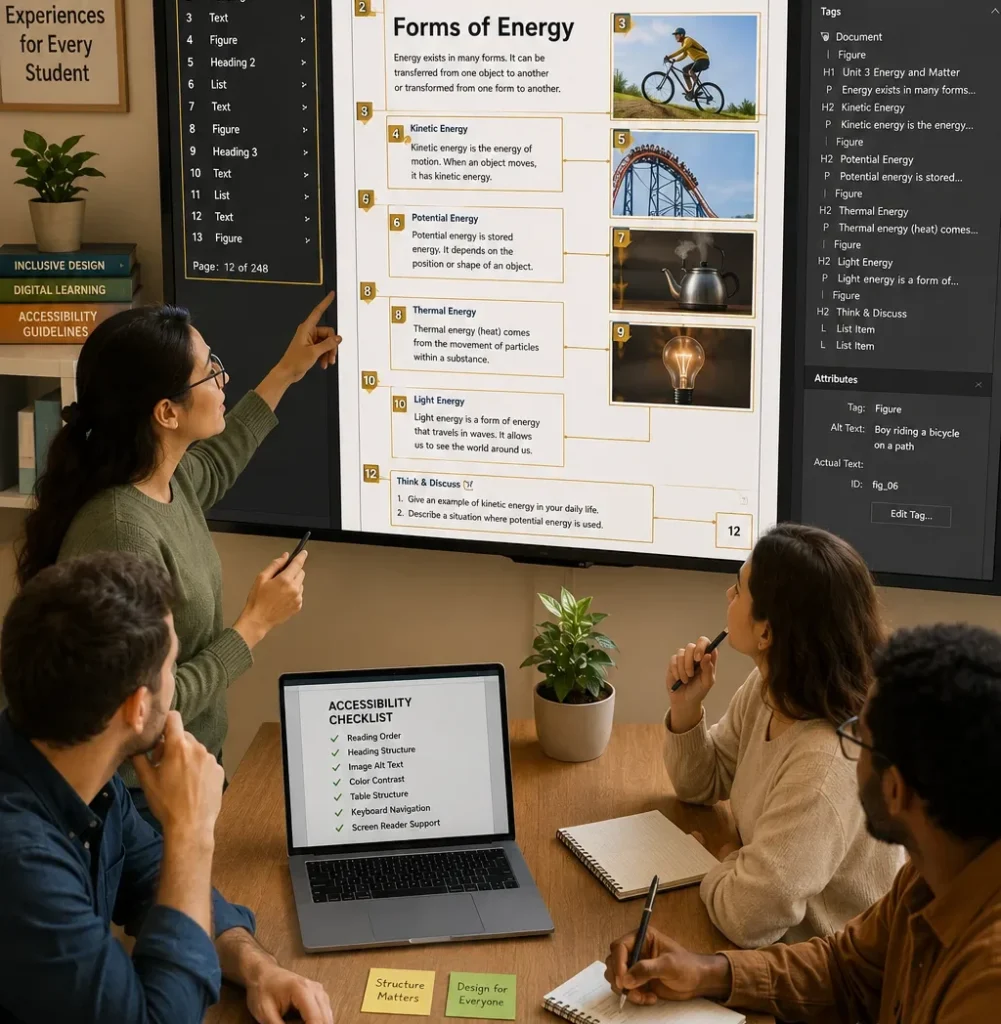
These capabilities help organizations create more inclusive learning experiences while supporting accessibility standards.

A Practical Curriculum Development Scenario

Consider a publisher developing a complete science curriculum that includes student books, teacher manuals, assessment resources, and supplementary digital materials.

Each component can need its own formatting and upkeep in the absence of a centralised design system.

The publisher may establish a cohesive curriculum environment that preserves uniformity across all resources and streamlines upcoming upgrades and curriculum modifications by utilising InDesign templates, style systems, and structured layouts.

Building Stronger Digital Learning Ecosystems

Successful digital curriculum development requires more than quality content. Structured design, effective workflows, visual consistency, and long-term scalability are all necessary. Adobe InDesign provides educational publishers with the tools needed to develop comprehensive learning resources that support both current educational needs and future curriculum growth. As digital learning continues to expand, organized publishing workflows will play an increasingly important role in delivering effective educational experiences.

Frequently Asked Questions

InDesign provides advanced layout controls, structured templates, and efficient content management features that support large educational publishing projects.

Yes. Publishers commonly use InDesign to create resources for print, interactive PDFs, and various digital learning formats.

Features such as styles, templates, and master pages help standardize formatting across all curriculum components.

Yes. It includes features that help publishers prepare accessible documents with proper structure, navigation, and screen-reader support.

Its ability to manage complex content efficiently while maintaining consistency across multiple learning resources and publishing formats.