Print vs Digital Learning Content: How InDesign Supports Both Workflows

Educational Publishing No Longer Ends With Print

A decade ago, educational publishers often focused on a single output format. A textbook was designed, printed, distributed, and used in classrooms for several years before a new edition was released. Today, the situation is very different.

Students may access the same learning content through printed textbooks, interactive PDFs, tablets, learning management systems, or mobile devices. Educational organizations are increasingly expected to provide learning materials in multiple formats while maintaining consistency across every version.

This shift has created a new challenge for publishers: how to efficiently produce both print and digital learning content without maintaining separate content development processes.

The Challenge of Managing Multiple Content Formats

Imagine a publisher developing a secondary-school science program.

The project includes:

  • Student textbooks
  • Teacher guides
  • Workbooks
  • Digital learning resources
  • Interactive PDFs
  • Online reference materials

While the delivery formats differ, the educational content must remain consistent. Learning objectives, diagrams, assessments, and instructional structures should align across every version.

Without a centralized publishing workflow, managing these parallel formats can quickly become inefficient and difficult to maintain.

How InDesign Supports Print Publishing

Print remains an important part of educational publishing.

Many institutions continue to rely on:

  • Textbooks
  • Workbooks
  • Teacher manuals
  • Assessment guides
  • Reference materials

For projects with a print focus, publishers need exact control over:

  • Page layouts
  • Typography
  • Margins
  • Image placement
  • Tables and diagrams
  • Print production standards

Maintaining these elements is essential for producing professional educational materials that are easy to read and durable enough for classroom use.

How InDesign Supports Digital Learning Content

At the same time, digital learning continues to expand across schools, universities, and corporate training environments.

Digital formats may include:

  • Interactive PDFs
  • E-books
  • Online learning guides
  • Tablet-based resources
  • Mobile-friendly educational content

These formats often require features that are not relevant in print, such as:

  • Hyperlinks
  • Interactive navigation
  • Search functionality
  • Multimedia integration
  • Clickable learning resources

A structured publishing workflow helps educational teams adapt content for digital environments while preserving instructional consistency.

A Real-World Publishing Scenario

Consider an educational publisher developing a mathematics curriculum used by schools across multiple regions.

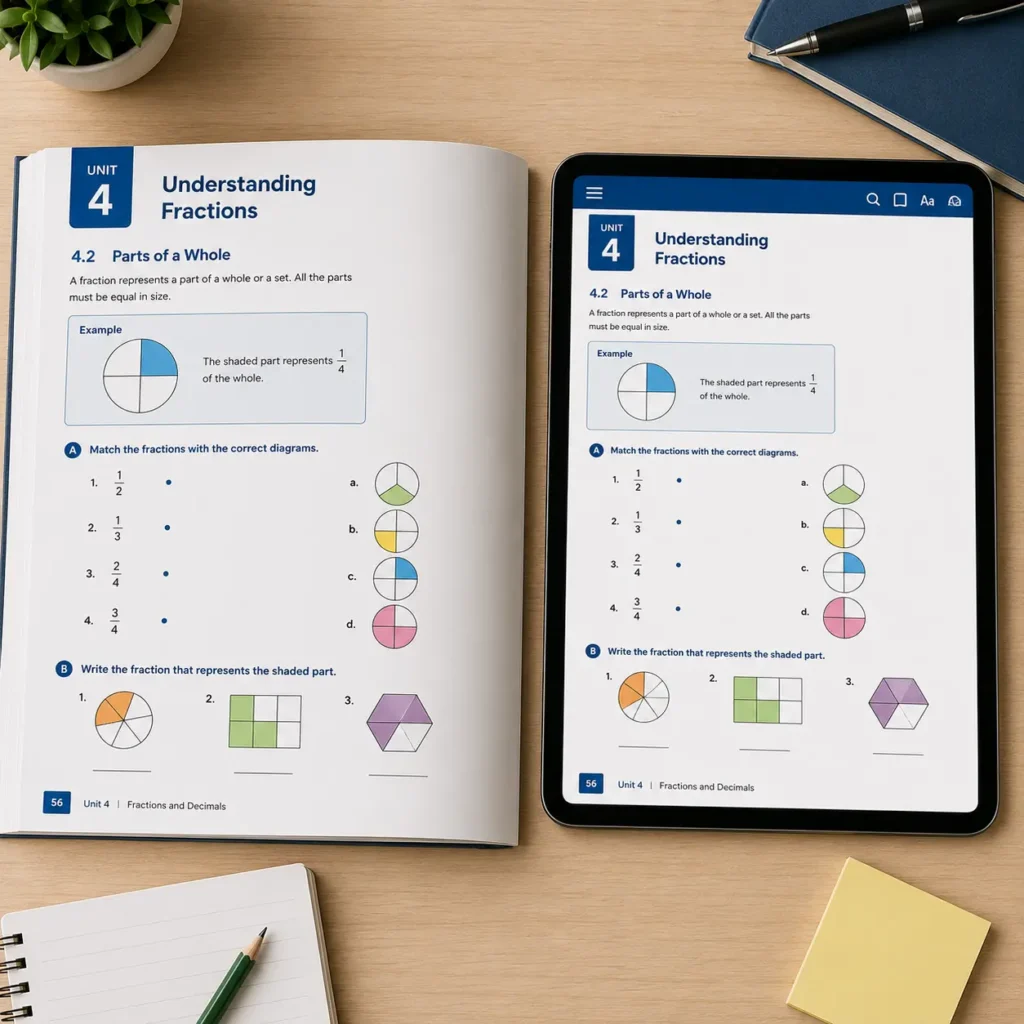
While teachers have access to a digital edition of the textbook with extra materials and navigational aids, students are given a physical copy in the classroom. The publisher wants the learning objectives, graphics, and instructional sequence to be the same in all forms.

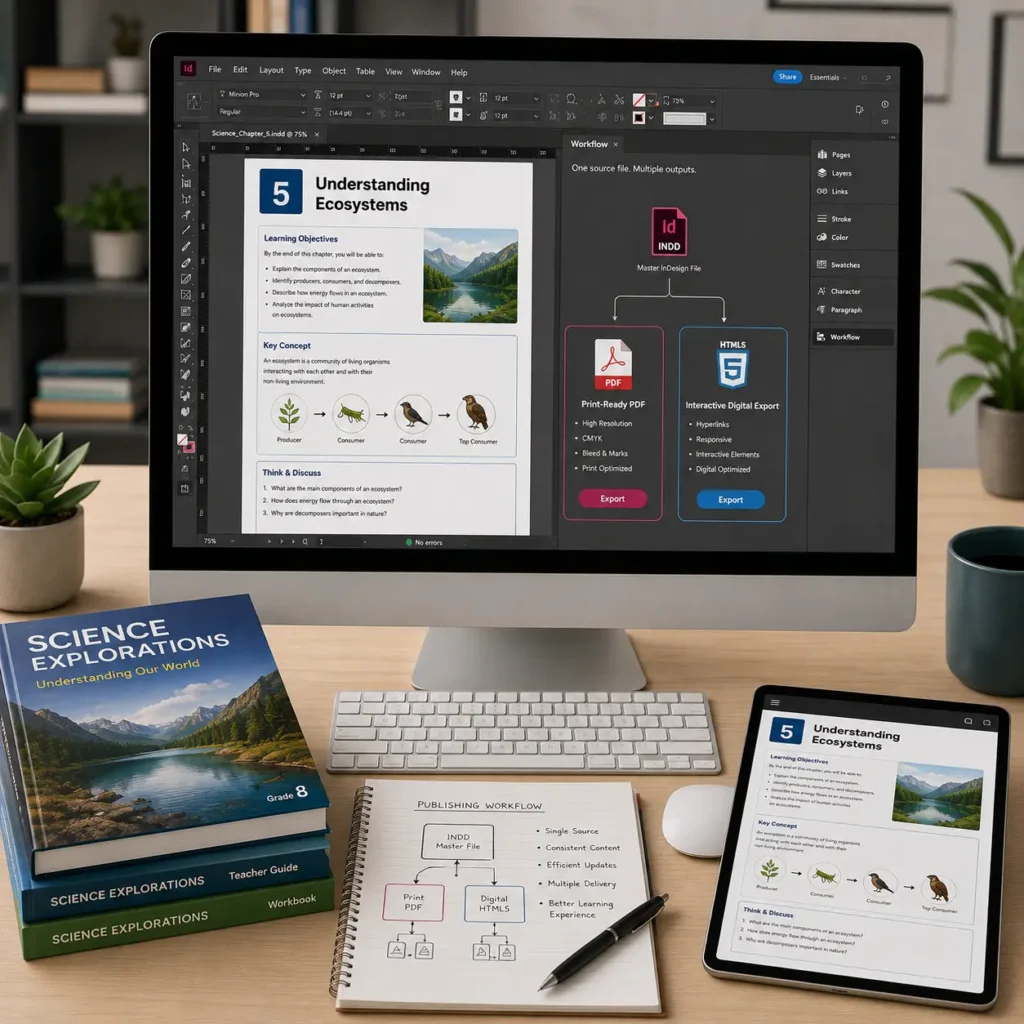
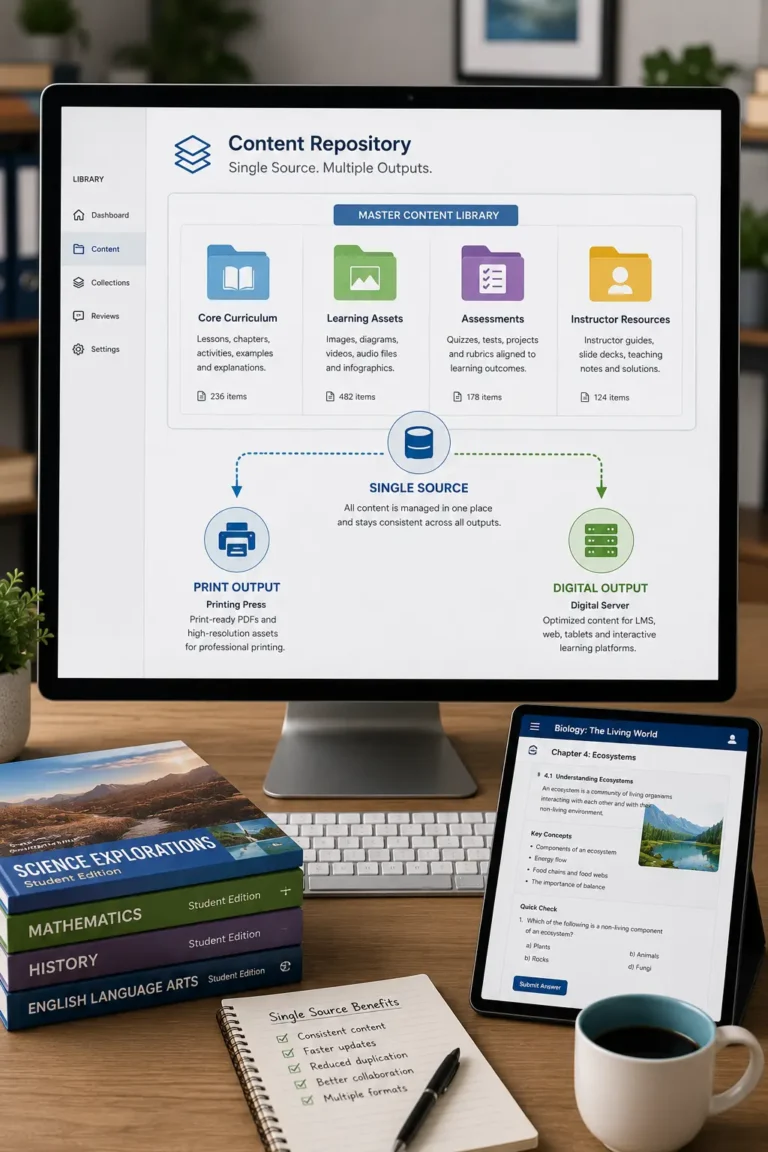
Rather than maintaining separate design projects for each version, the production team works from a shared publishing framework. This allows content updates, curriculum revisions, and design changes to be managed more efficiently while ensuring consistency across all delivery formats.

Benefits of Supporting Print and Digital From One Workflow

Organizations that manage both formats through a structured publishing process often experience:

  • Faster production cycles
  • Greater content consistency
  • Simplified updates
  • Reduced duplication of effort
  • Improved collaboration between teams
  • Easier version control
  • Better scalability for future projects

These advantages become increasingly important as educational content libraries continue to grow.

Maintaining a Consistent Learner Experience

Regardless of how content is delivered, learners benefit from familiar structures.

Students moving between print and digital versions should encounter:

  • The same chapter organization
  • Consistent terminology
  • Similar visual hierarchy
  • Identical learning objectives
  • Matching diagrams and illustrations
  • Comparable assessment structures

Consistency helps learners focus on the educational material rather than adapting to different content formats.

Best Practices for Educational Publishers

Successful organizations often:

Develop Content From a Single Source

Creating content once and adapting it for multiple outputs helps improve efficiency and consistency.

Standardize Layout Structures

Templates and design standards make it easier to maintain alignment between print and digital versions.

Plan Digital Requirements Early

Interactive elements should be considered during content development rather than added at the end of the project.

Establish Cross-Format Review Processes

Both print and digital outputs should be reviewed to ensure instructional consistency.

Design for Long-Term Maintainability

Publishing workflows should support future updates without requiring complete redesigns.

Supporting Modern Educational Publishing Requirements

Educational publishing is no longer defined by a single output format. Publishers must increasingly support print and digital learning experiences simultaneously while maintaining quality, consistency, and efficiency. By enabling structured content development and scalable production workflows, InDesign helps educational organizations manage both formats from a unified foundation. The result is a more efficient publishing process and a consistent learning experience for students and educators across every delivery channel.

FAQ

Different institutions and learners have different preferences and technology requirements. Supporting multiple formats increases accessibility and flexibility.

Yes. Many publishers develop content from a single source and adapt it for multiple delivery methods.

Regardless of the format, learning objectives, diagrams, exercises, and material frameworks are beneficial to both educators and students.

Version control, content updates, design consistency, and production efficiency are among the most common challenges

It provides a structured environment that helps publishers manage educational content while preparing it for both print and digital distribution