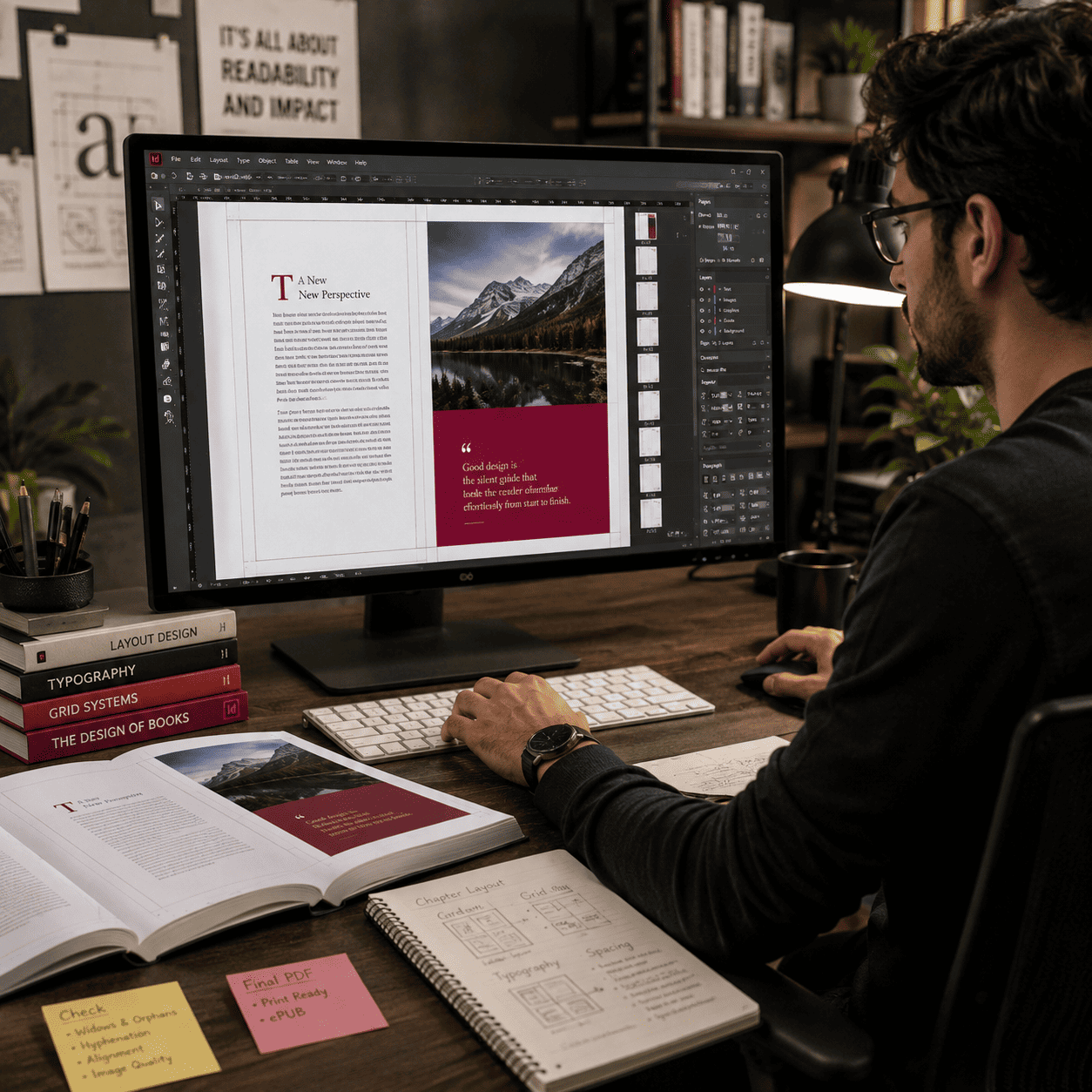
Why Professional InDesign Typesetting Services Matter for Modern Publishing

In an era where thousands of books, eBooks, and digital documents are published daily, standing out is no longer just about what you say it is about how your words look on the page.

Many authors and publishers make the mistake of assuming that a great manuscript is enough. However, poor formatting, awkward line breaks, and messy layouts can completely ruin the reading experience. That is where professional Adobe InDesign typesetting services come in.

Whether you are aiming for print or digital distribution, professional typesetting transforms a raw manuscript into a polished, visually stunning masterpiece that commands authority.
Professional InDesign Typesetting Services

Unveiling InDesign: The Mechanics Behind Premium Layout Design

Typesetting is the art and science of arranging text, images, and visual elements on a page to maximize readability and aesthetic appeal.

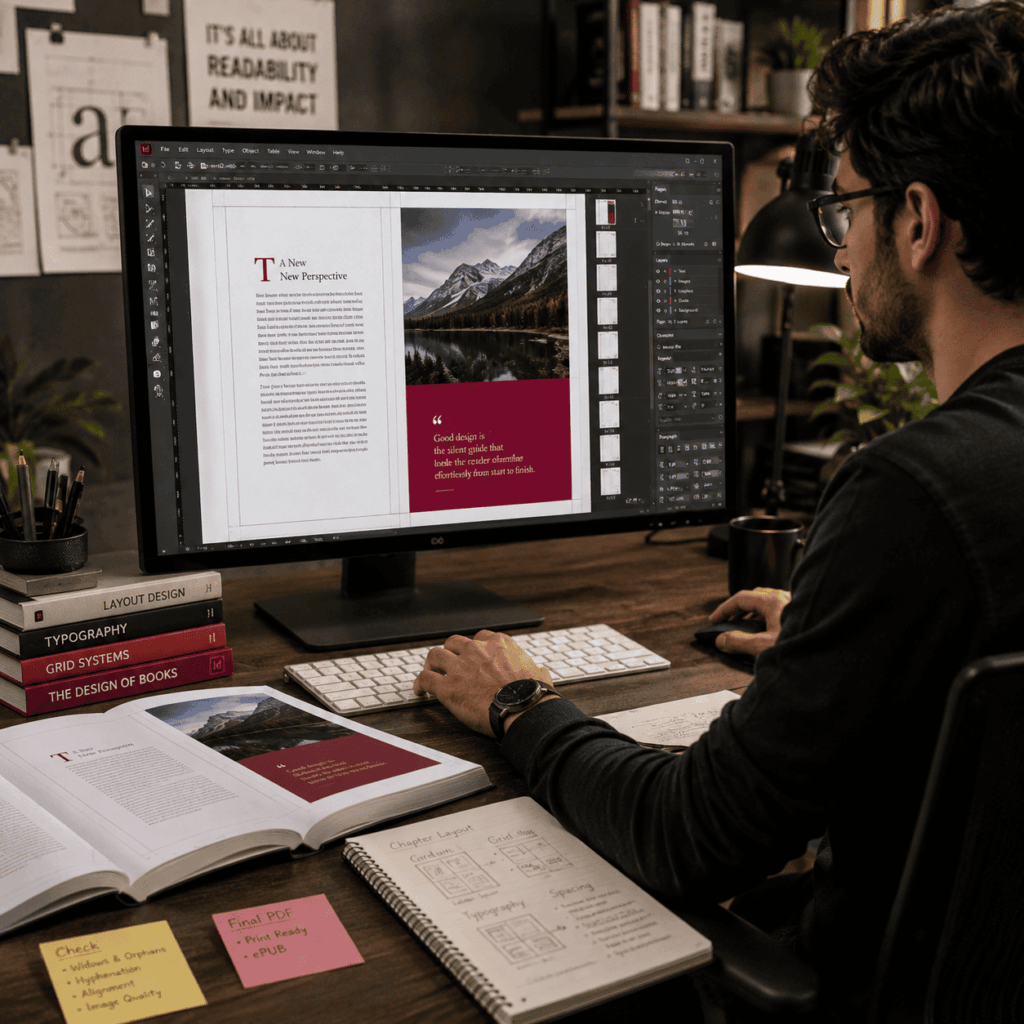
While tools like Microsoft Word or Google Docs are excellent for drafting content, they lack the precise typographic controls required for commercial publishing. Adobe InDesign is the industry standard for professional layout design, allowing typesetting experts to control:

  • Kerning and Tracking: Adjusting the literal space between letters and words to prevent awkward gaps.
  • Leading: Managing the vertical space between lines of text for optimal readability.
  • Grid Alignment: Ensuring that text lines up perfectly across facing pages.
  • Hyphenation Zone Management: Preventing distracting “ladders” of consecutive hyphenated words at the edge of the page.

The Strategic Advantage: How Expert Formatting Protects Your Investment

Investing in professional typesetting is not an administrative afterthought; it is a critical marketing strategy. Here is how it elevates your publication:

1. Enhanced Readability and Reader Retention

Readers will put down a book if it is difficult to read. Based on your target demographic, expert typesetters choose the ideal font combinations, font sizes, and line lengths. For example, a business annual report or a rich fantasy novel require very different text spacing and font selections than a children’s book.

2. Flawless Multi-Platform Formatting

Modern publishing demands versatility. Your book needs to look impeccable as a physical hardcover, a lightweight paperback, and a responsive eBook (ePub). Professional InDesign typesetting ensures seamless conversion across all formats without losing layout integrity or breaking design elements.

3. Elimination of Typographic Errors

Amateur layouts are easy to spot. They are often plagued by:

  • Widows and Orphans: Single lines of text left stranded at the top or bottom of a page.
  • Rivers of White: Distracting paths of white space running through justified text blocks.
  • Bleed Miscalculations: Images cutting off awkwardly during the physical printing process.

Professional typesetters eliminate these errors completely, ensuring your book looks like it belongs on the shelves of a premium bookstore.

4. Custom Layouts That Reflect Your Brand

No two books should look identical. A professional designer uses InDesign to create unique running headers, custom drop caps, elegant chapter starts, and beautifully integrated pull quotes that match the tone and genre of your content.

From Authors to Enterprises: Identifying the Core Audience for High-End Layouts

If you are producing any of the following, professional typesetting is non-negotiable for your success:

  • Self-Published Authors: To compete directly with traditional publishing houses on retail shelves.
  • Independent Publishers: To increase output while upholding strict quality standards.
  • Corporate Brands: For whitepapers, annual reports, brochures, and investor decks that need to project maximum authority.

Academic Institutions: For textbooks, journals, and research papers requiring complex multi-column layouts, footnotes, and index tables.

Professional InDesign Typesetting Services

Blueprint for Perfection: Our Step-by-Step Typesetting Workflow

We follow a meticulous, multi-step process to ensure your final publication is flawless:

  1. Manuscript Analysis: We review your raw file (Word, RTF, or TXT) to assess structure, images, tables, and special formatting needs.
  2. Concept & Sample Pages: For your approval, we create two to three distinct layout samples that highlight chapter styles and font selections.
  3. Full-Scale Typesetting: Once a concept is chosen, we map your entire manuscript into Adobe InDesign, meticulously managing every page.
  4. Proofreading and Quality Assurance: We look for widows, orphans, hyphenation errors, and alignment irregularities.

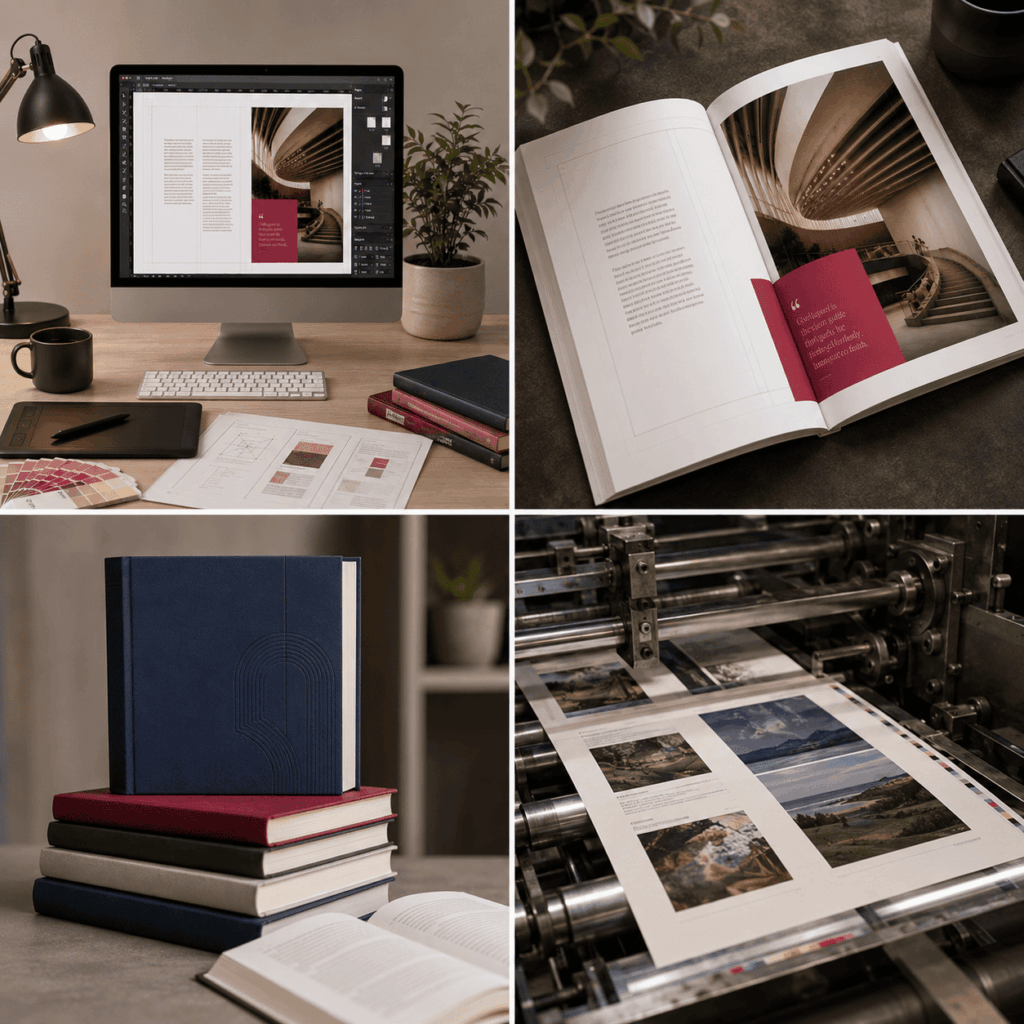
Print-Ready along with Digital Delivery: Receive optimized, high-resolution PDFs for printing and reflowable/fixed-layout ePub files for digital platforms.

Maximize Your ROI: Partner With Our Design Team Today

Do not let amateur formatting undermine your hard work. Give your content the presentation it deserves.

Contact us today for a free consultation and quote on your next typesetting project!

Frequently Asked Questions (FAQs)

Typography focuses on the design and selection of the typefaces (fonts) themselves. Typesetting is the actual arrangement of that text on a page layout ensuring correct spacing, margins, column widths, and overall visual balance.

Microsoft Word is designed for word processing, not advanced layout design. It lacks fine-grained controls for commercial printing, such as precise CMYK color management, exact bleed setups, automated grid alignment, and advanced text-wrapping features.

Yes. Professional InDesign typesetting allows us to export your layout into high-quality, reflowable or fixed-layout ePub formats that look beautiful on Amazon Kindle, Apple Books, and Kobo readers.

Timeline depends entirely on the complexity and length of the project. A standard fiction novel can take 5–7 business days, while a complex, image-heavy textbook or corporate report may take 2–3 weeks

We typically require your final, fully edited manuscript in a Word document (.doc/.docx), along with any high-resolution images or graphics (300 DPI or higher) that need to be included in the layout.